

Buy Token with a Credit Card
How to Buy Tokens with a Credit Card
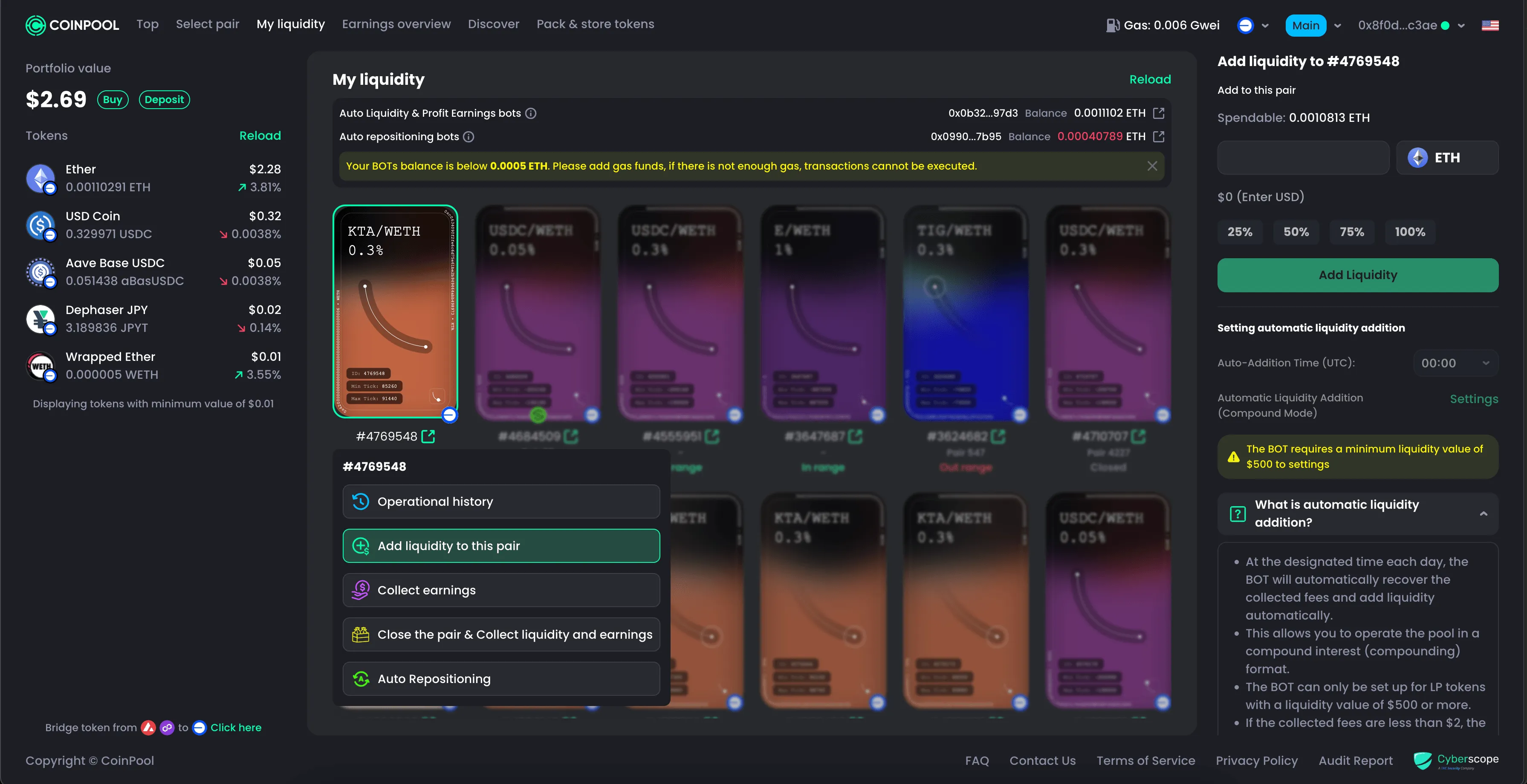
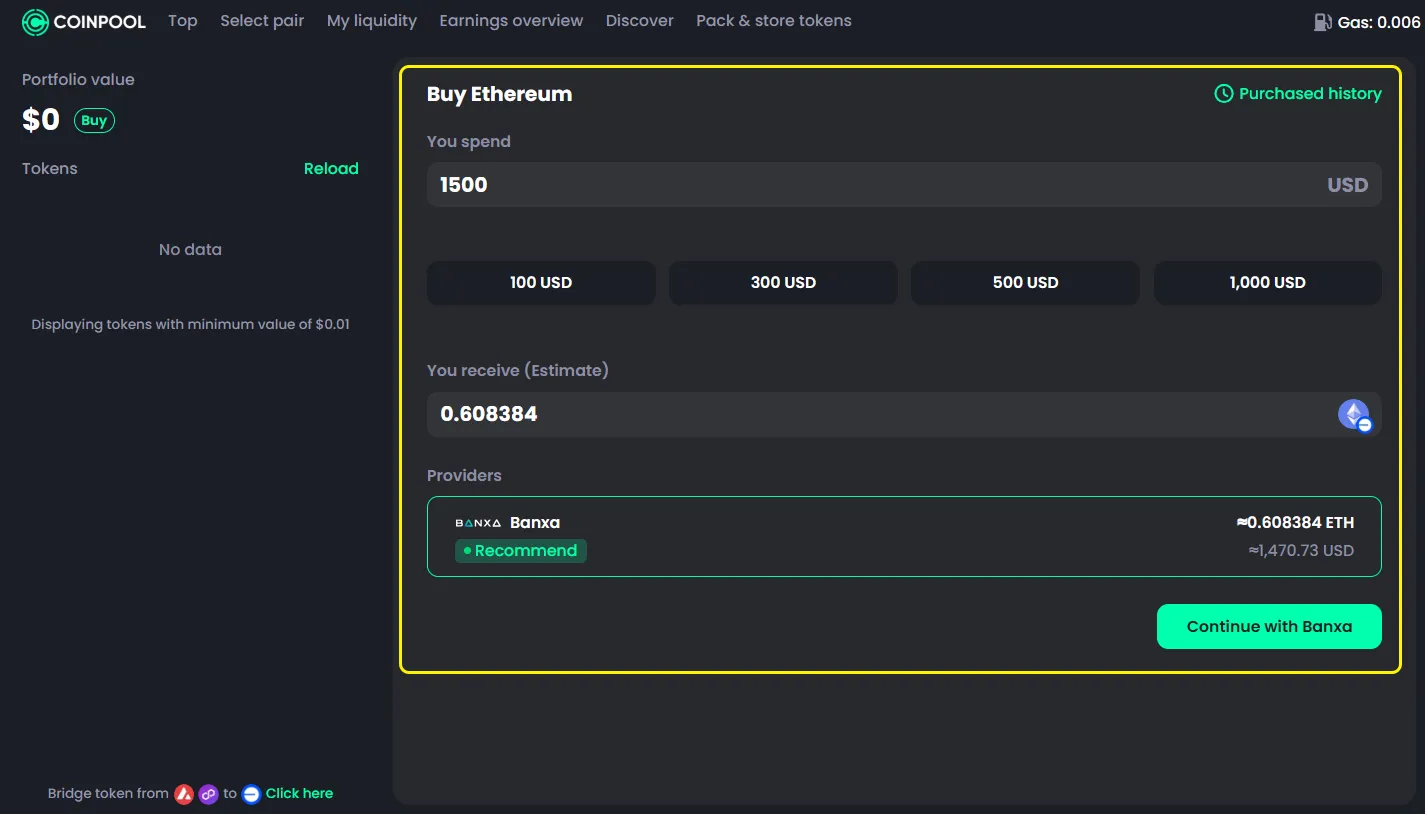
- Next to your Portfolio, click the green Buy button
- Enter the amount or choose a preset option
- Click Continue with Banxa
- Review the details and click Create Order
- Enter your email to receive an OTP
- Select your country (some countries are not supported by Banxa)
- Agree to the terms
- Click Get My Verification Code
- Check your email and enter the OTP
- Click Verify
- Check your wallet address and click I confirm my wallet
- Enter your card details
- Click Submit Payment and wait for the process to complete

Note
- CoinPool uses a third-party service called Banxa for credit card payments
- The payment process and interface are handled by Banxa
- All payment rules and requirements are set by Banxa
Make sure to review all details and terms carefully before proceeding