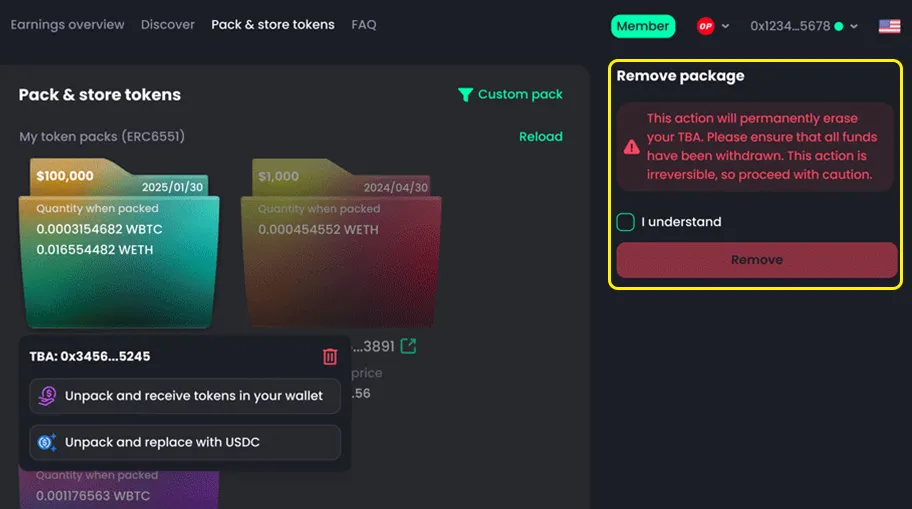


Pack and Store Tokens – How to Unpack
How to Unpack and Receive Tokens
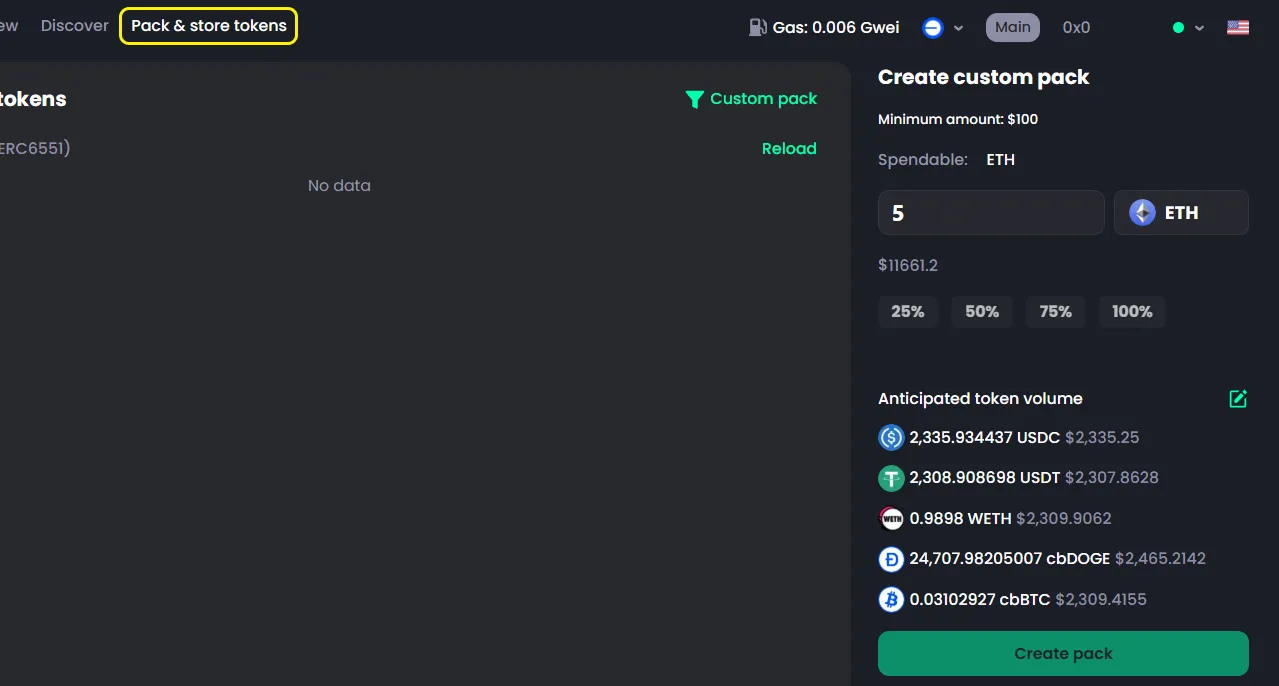
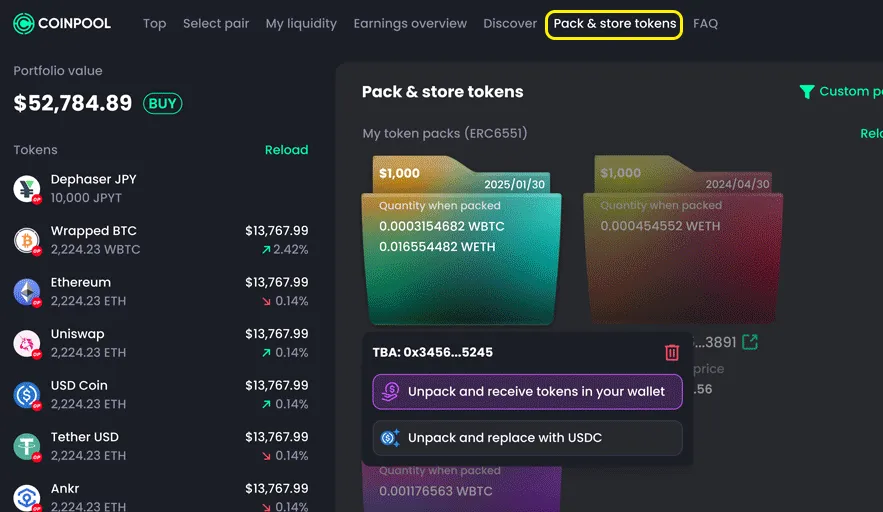
- Go to the Pack & Store Token tab
- Select the package you want to unpack
- Choose Unpack and receive tokens in your wallet
- Click the same option on the right panel
- Confirm in your wallet

With this option, you will receive all tokens in their original form (the same tokens you bought).
How to Unpack and Receive in USDC
- Go to the Pack & Store Token tab
- Select the package
- Choose Unpack and receive in USDC
- Click the option on the right panel
- Confirm in your wallet
With this option, all tokens will be converted into USDC. You will receive only USDC in your wallet. This makes asset management simpler.
Receive in Tokens vs Receive in USDC
- Both options depend on your needs
- Choose what works best for you
Even if you choose the wrong option, it’s okay. CoinPool allows you to easily swap between tokens later.