

How to Withdraw Fund form a Sub-Account
How to Withdraw Fund form a Sub-Account
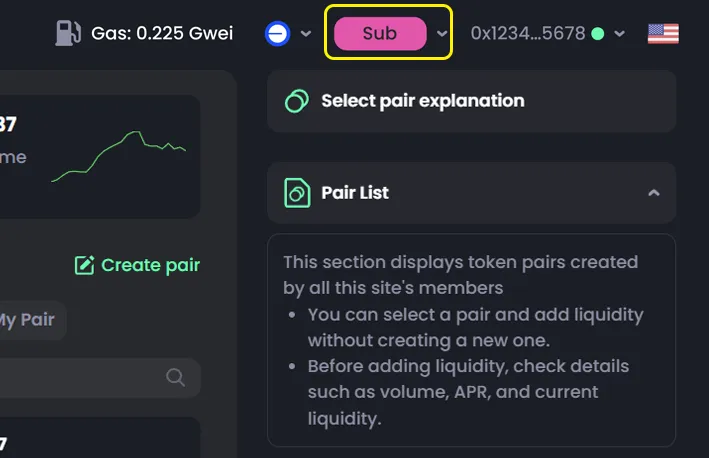
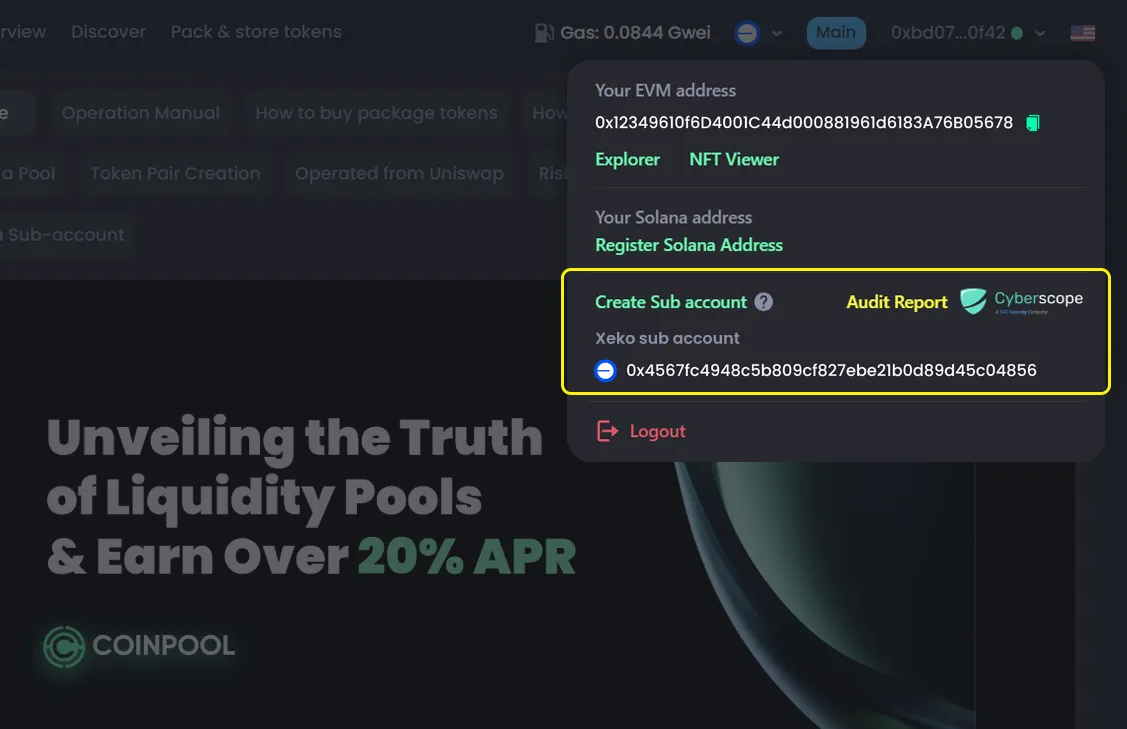
You can only withdraw while using a Sub Account, so switch to it first.
Steps
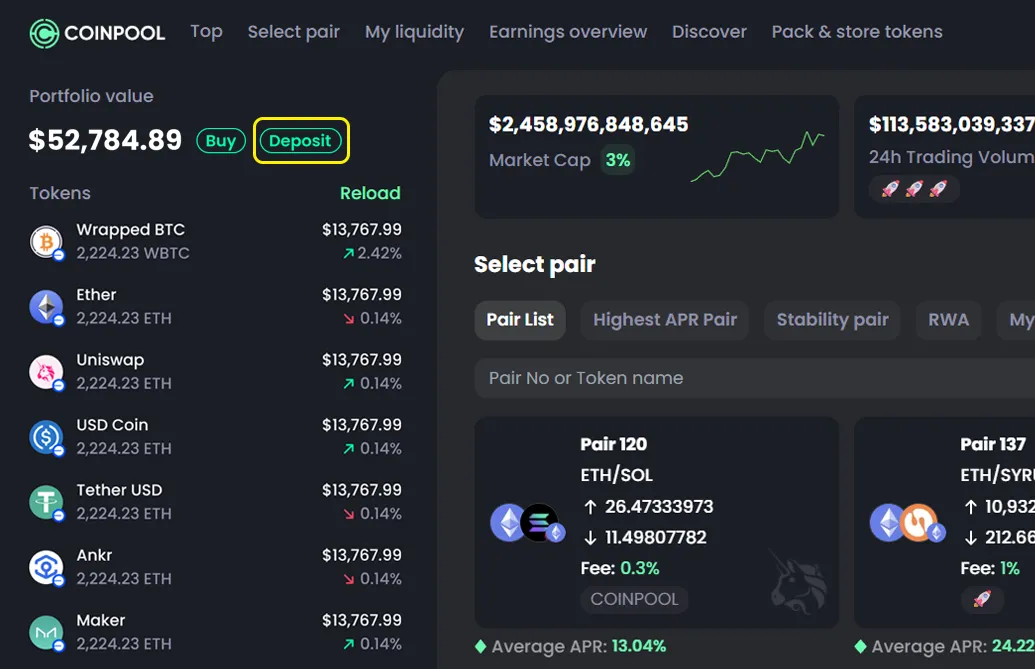
- In the Sub Account, go to Portfolio to view your assets
- Click Withdraw
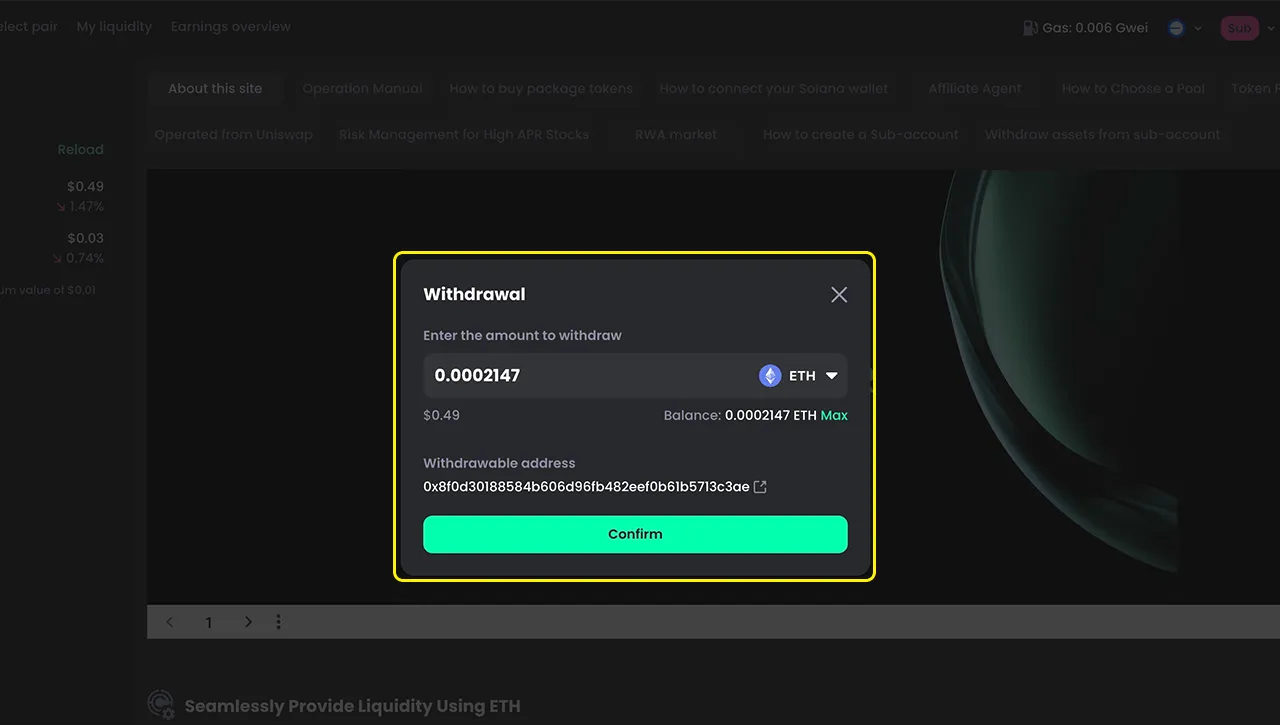
- Open the asset dropdown
- Choose the asset you want to withdraw
- Enter the amount
- Click Confirm
- Confirm in your wallet

Note
- Sub accounts cannot be deleted
- To stop using a sub account, withdraw all assets
- You can withdraw one asset at a time
- To withdraw everything at once, you can first swap all assets into one token