

How to Access Sub Accounts
How to Access a Sub Account
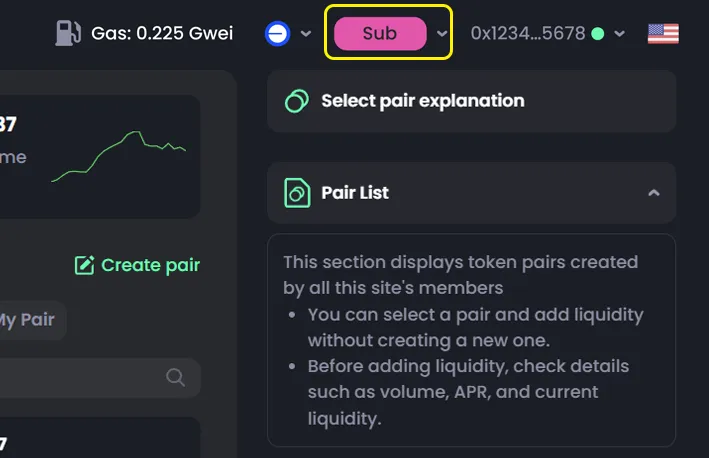

- At the top right of the UI, you will see your current account (default is Main Account)
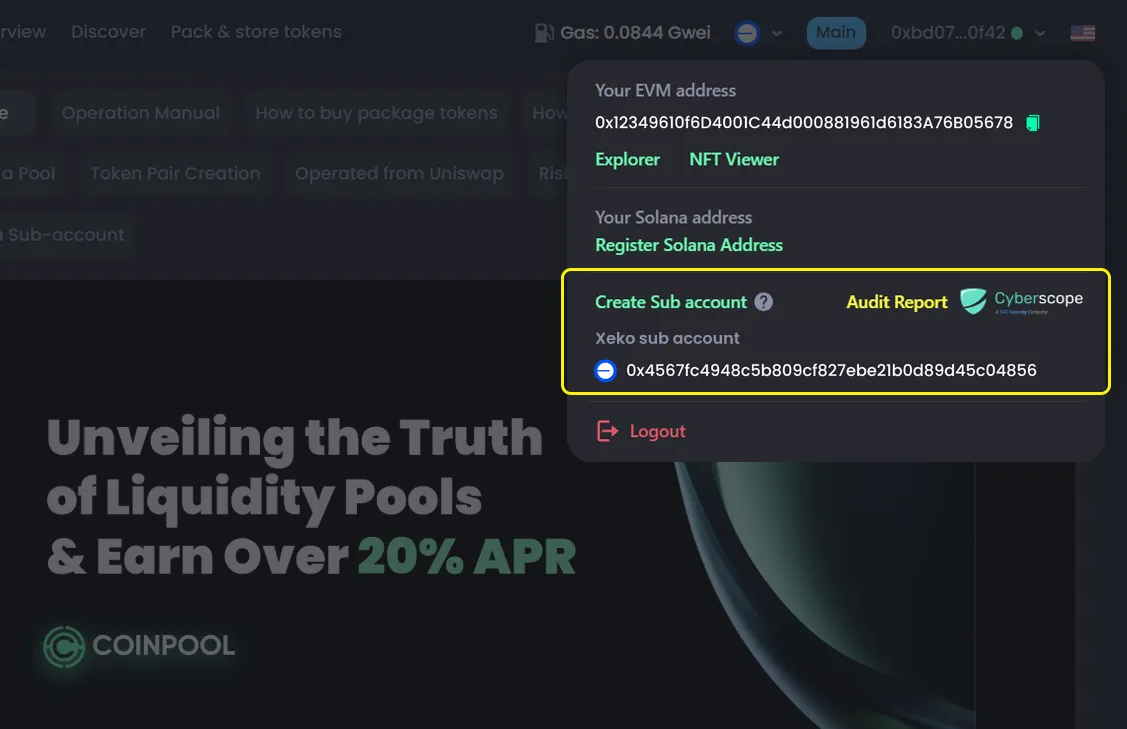
- Click the dropdown arrow next to it
- A list of sub accounts will appear
- Select the sub account you want to access
- The icon will change from Main to Sub Account
Why Access a Sub Account?
- Check sub account activity
- View current assets
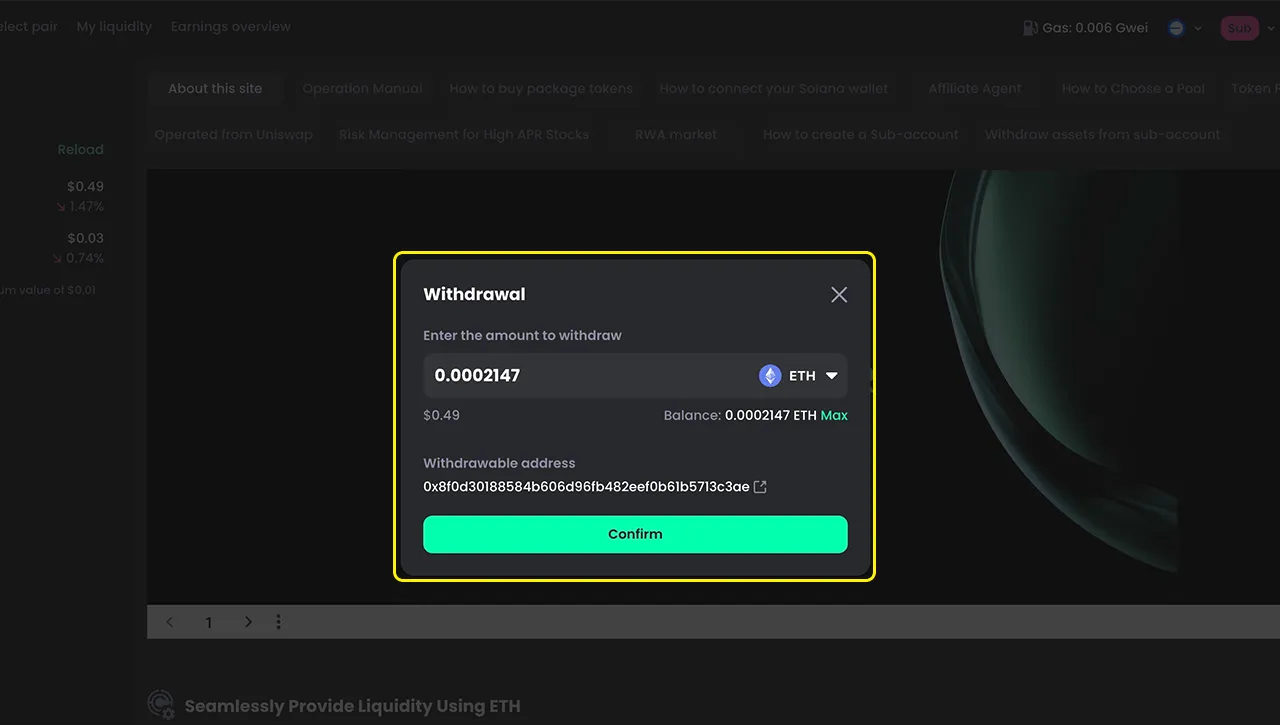
- Withdraw assets back to the main account
Important Note
Sub accounts cannot be deleted.
The only way to stop a sub account is:
- Access the sub account
- Withdraw all assets back to the main account
When there are no funds left, the operator cannot perform any actions.