

Pack and Store Tokens – How to Buy
How to Buy Pack and Store Tokens
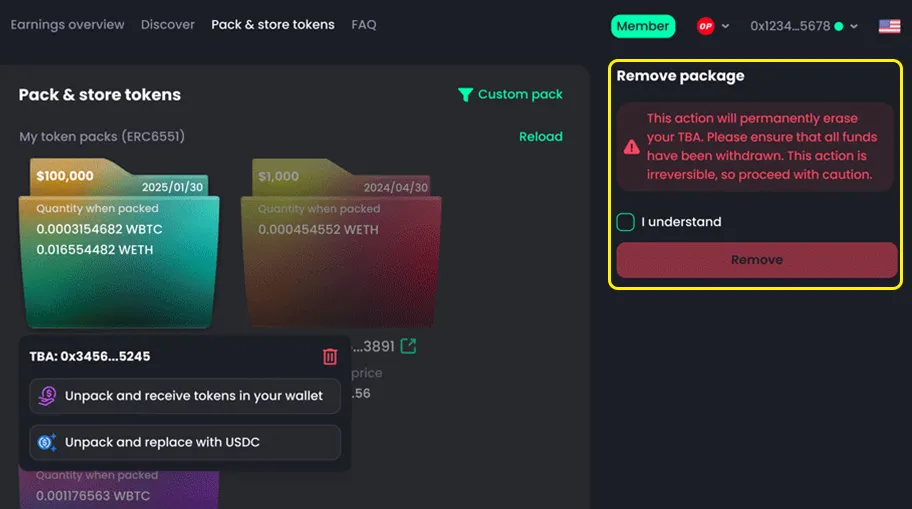
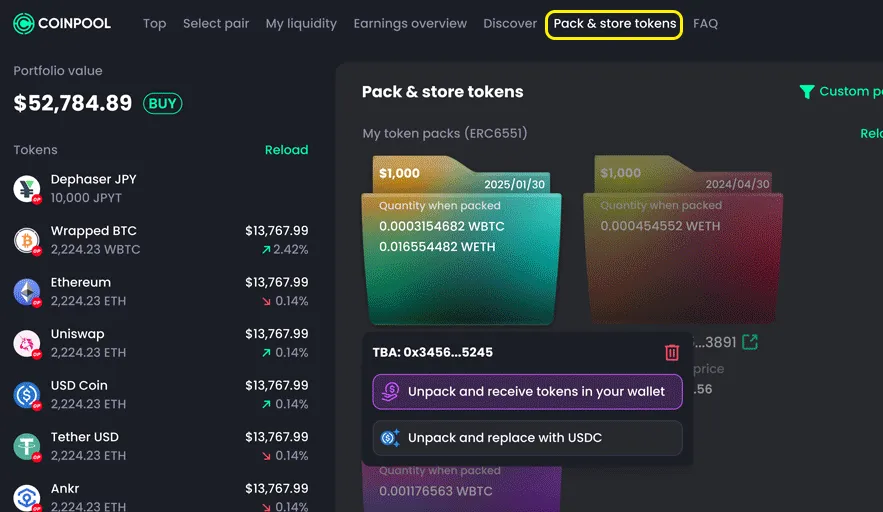
- Go to the Pack & Store Token tab
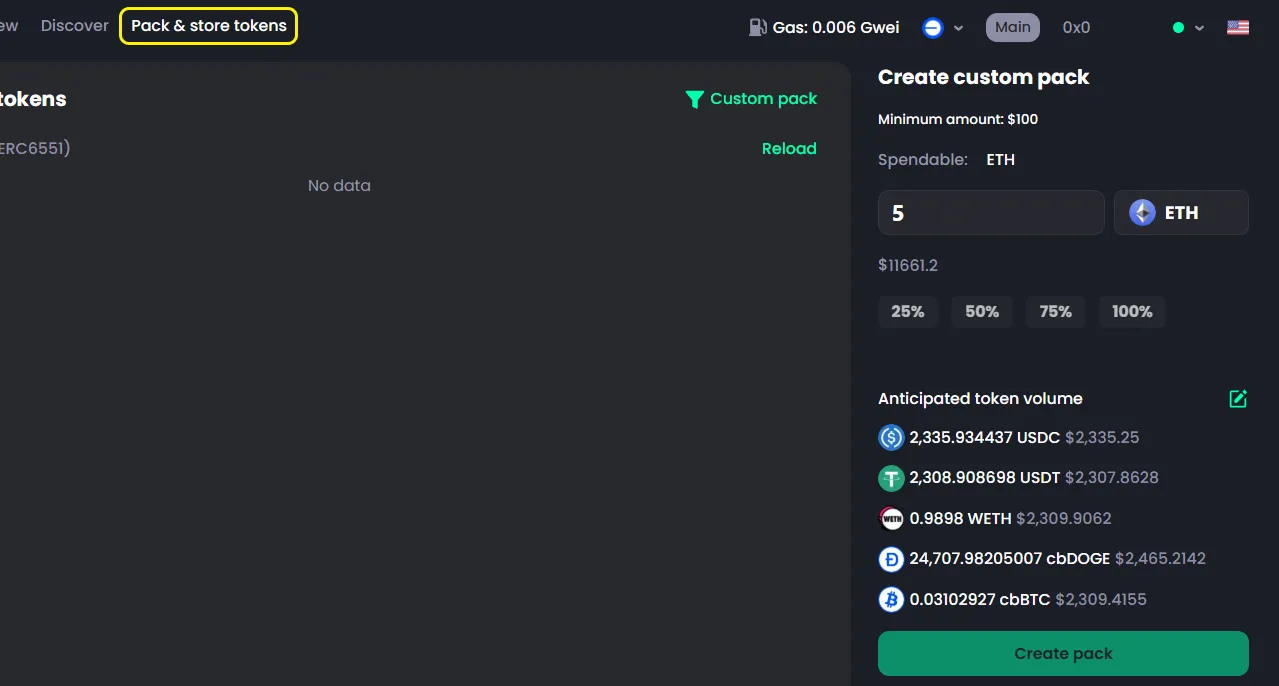
- Select Custom Pack
- Choose the number of tokens in the pack
- Select the tokens you want to buy
- Click Confirm
- Enter the total amount to spend. The system will split the amount equally across all selected tokens
- Click Create Pack
- Confirm in your wallet
What is Pack and Store Token?
Pack and Store Token lets you buy multiple tokens in one transaction.
- Tokens are stored in a smart contract wallet (NFT-based)
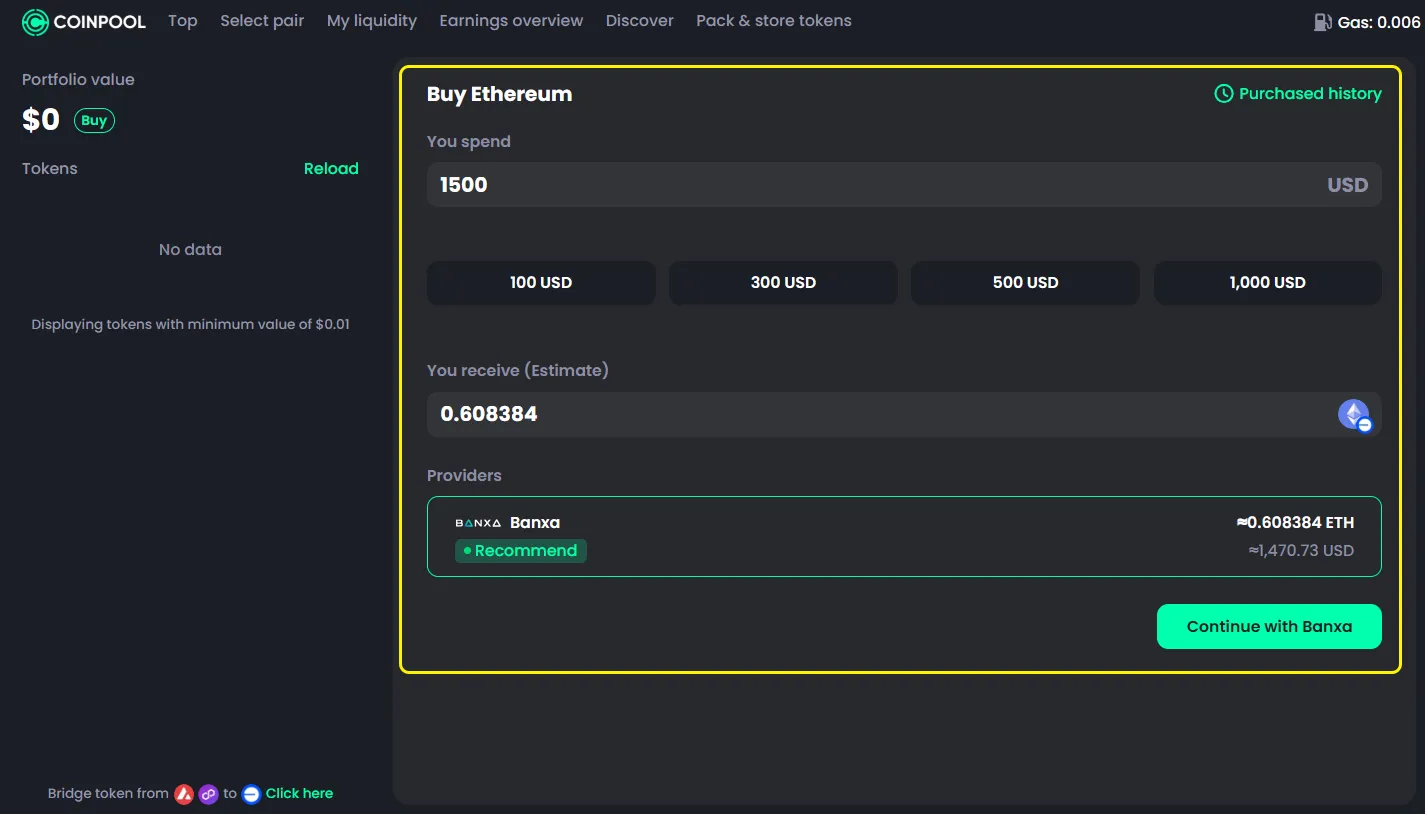
- You only need to pay with ETH
- Your funds are spread across multiple tokens
This helps reduce risk and makes investing simpler.
Notice
- This feature is only available on: Base, Arbitrum, Optimism
- Not supported on: Solana, Ethereum
- Minimum amount: $100 (in ETH value)
- Maximum: 5 tokens per transaction