

Auto Collect Earnings Bots
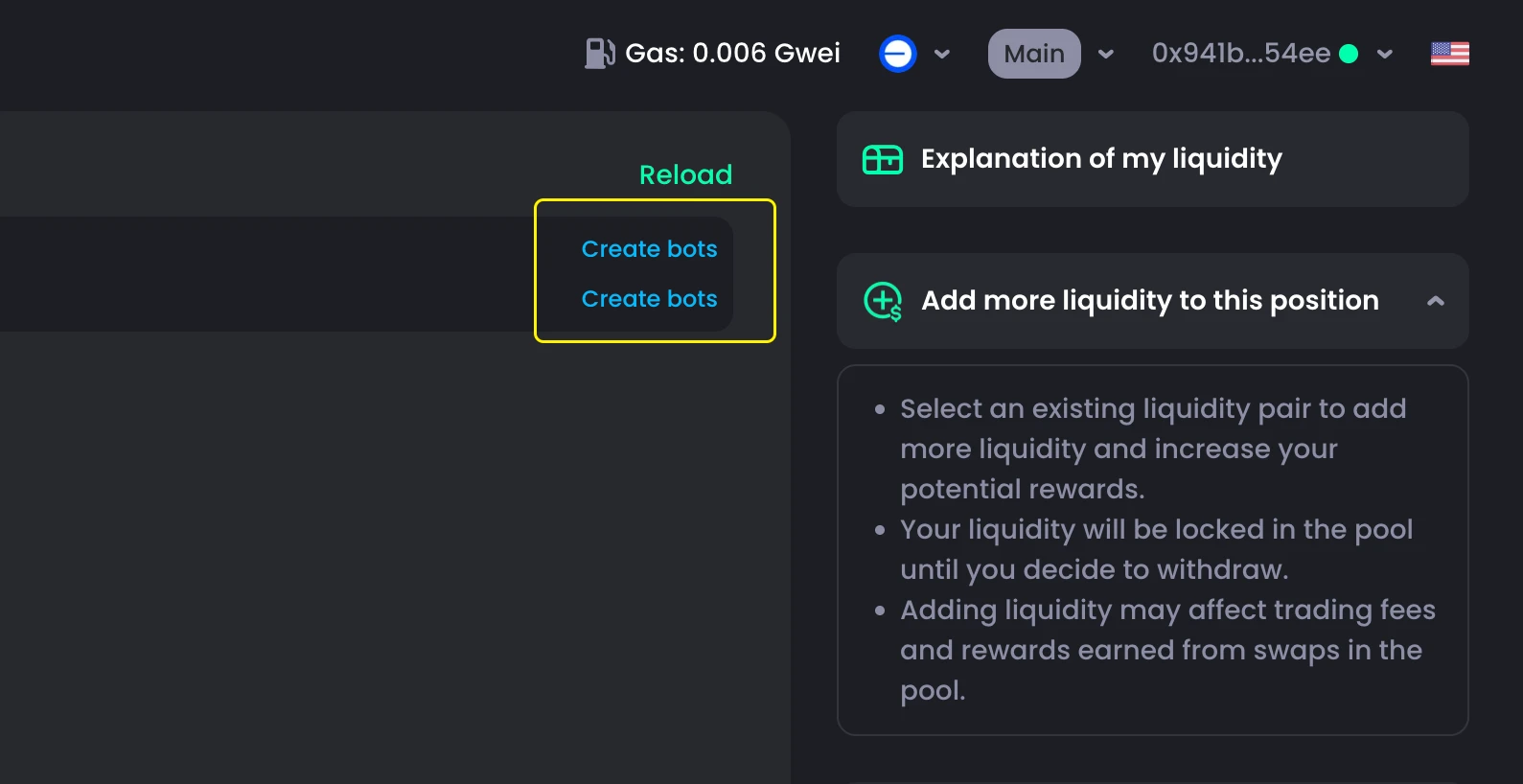
Users can only use Auto Collect Earnings Bots after creating a bot.
Set up Auto Collect Earnings Bots
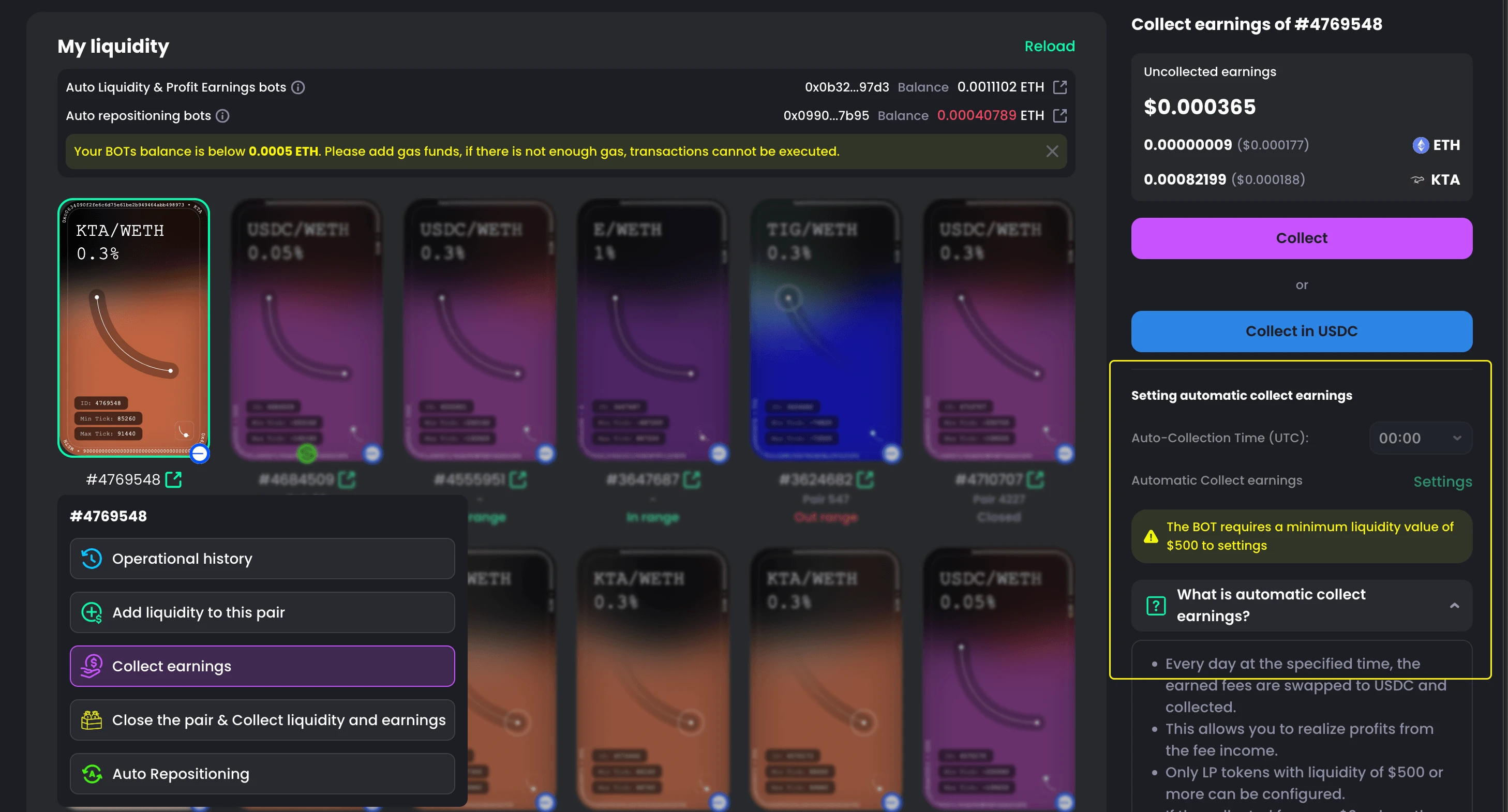
- Go to My Liquidity
- Choose the pair you want
- Select Collect Earnings
- On the right panel, find the Auto Collect Earnings Bot section
- Set the time interval for auto collection
- Click Set Auto Collect Earnings
- Confirm in your wallet

How to Stop Auto Collect Earnings Bots
- Go to My Liquidity
- Choose the pair
- Select Collect Earnings
- On the right panel, find the bot section
- Click Stop Auto Collect Earnings
- Confirm in your wallet

Why Set up Auto Collect Earnings Bots
- Saves time with automatic collection
- No need to remember to collect manually
- Faster and more consistent than doing it yourself
- Helps you avoid missing earnings