

Close The Pair and Collect Liquidity and Earnings
Here’s how you can close your Liquidity Pair and Collect all the profit from it.
- Go to the My Liquidity tab
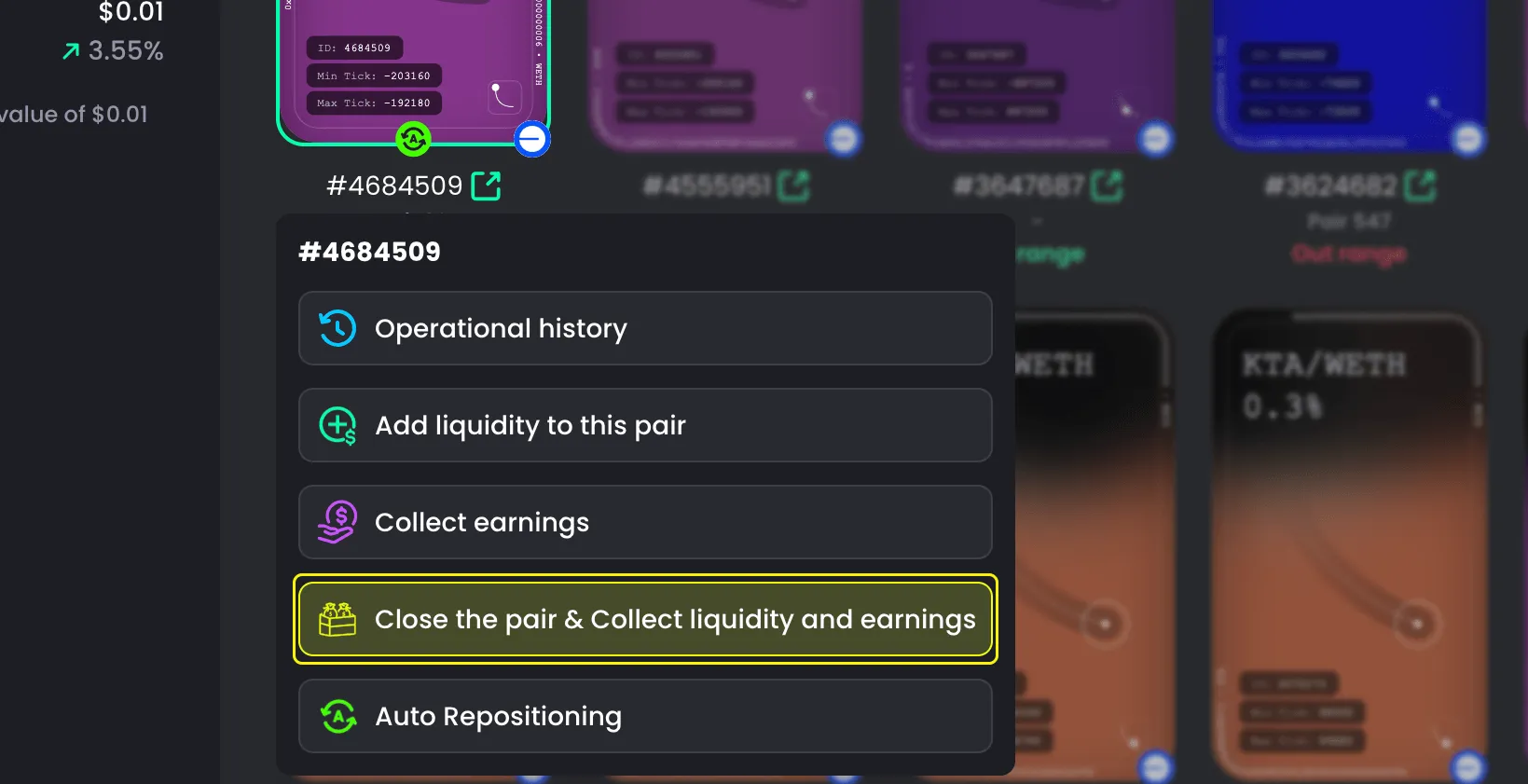
- Choose the pair you want to close
- Select Close The Pair and Collect Liquidity and Earnings
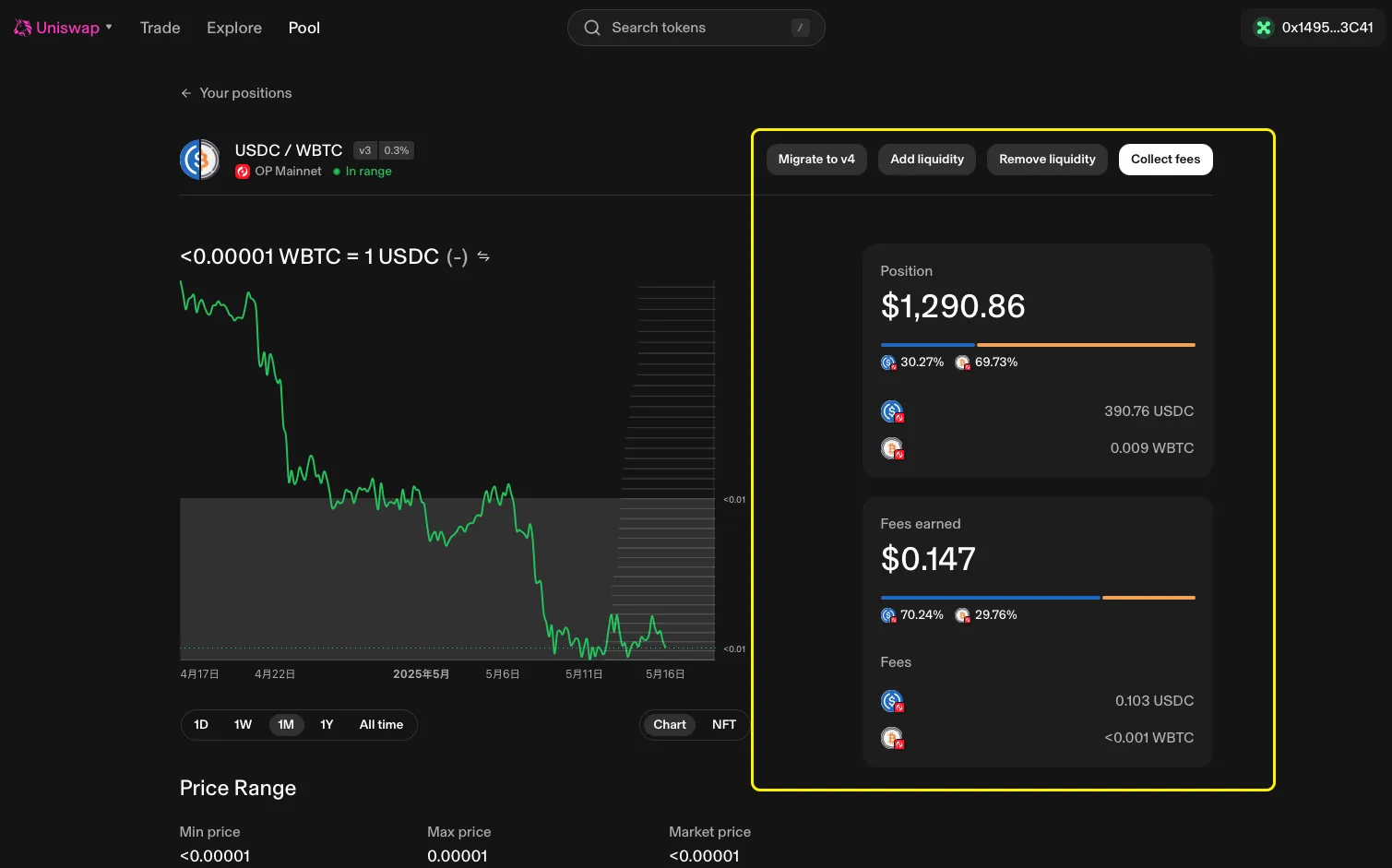
- The panel on the right will show the pool details
- Click Close The Pair and Collect Liquidity and Earnings
- Confirm in your wallet

Explanation
When you choose Close The Pair and Collect Liquidity and Earnings, the system will:
- Withdraw all the liquidity you added
- Automatically collect any unclaimed earnings
You will receive everything in one action.