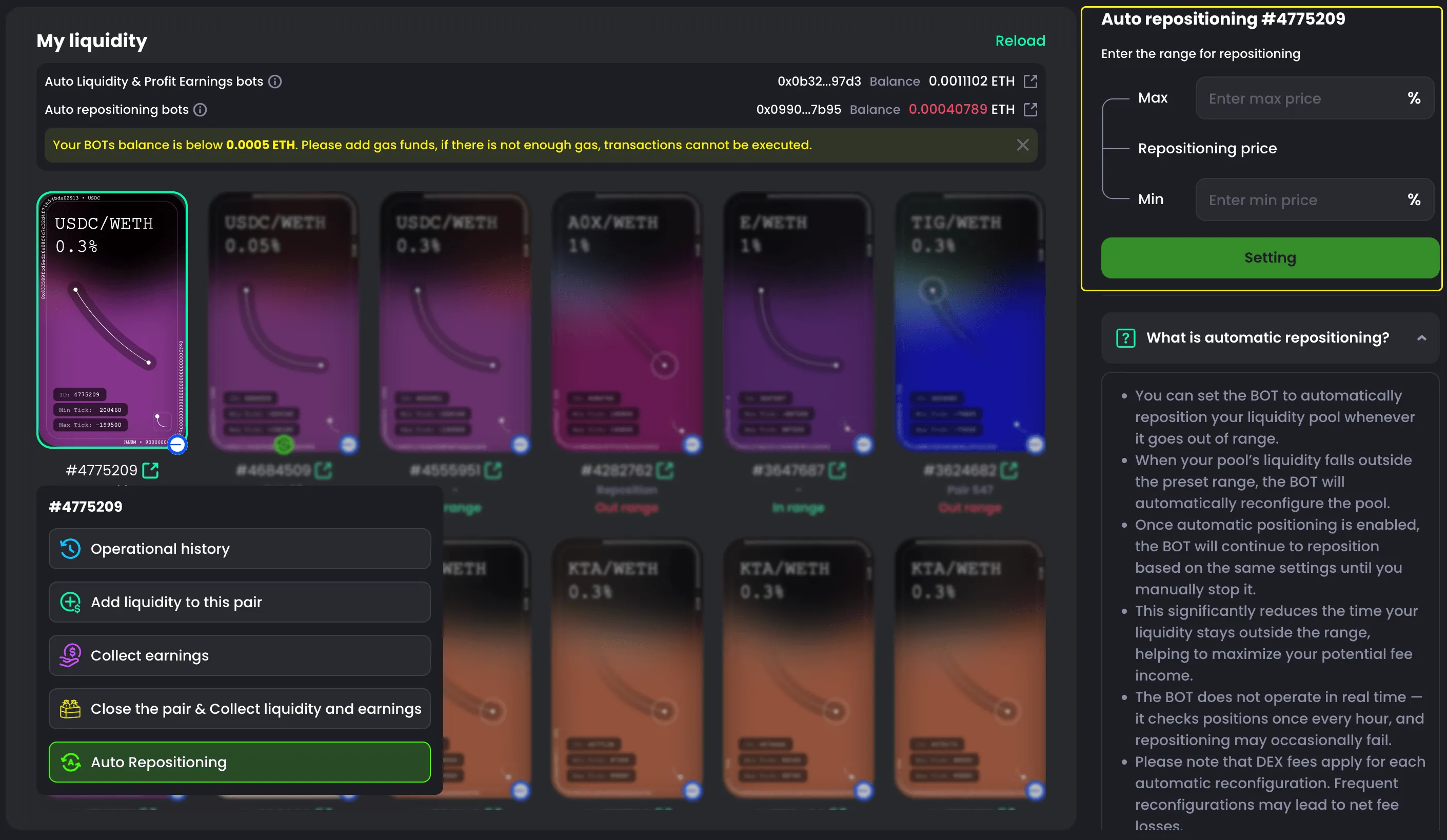


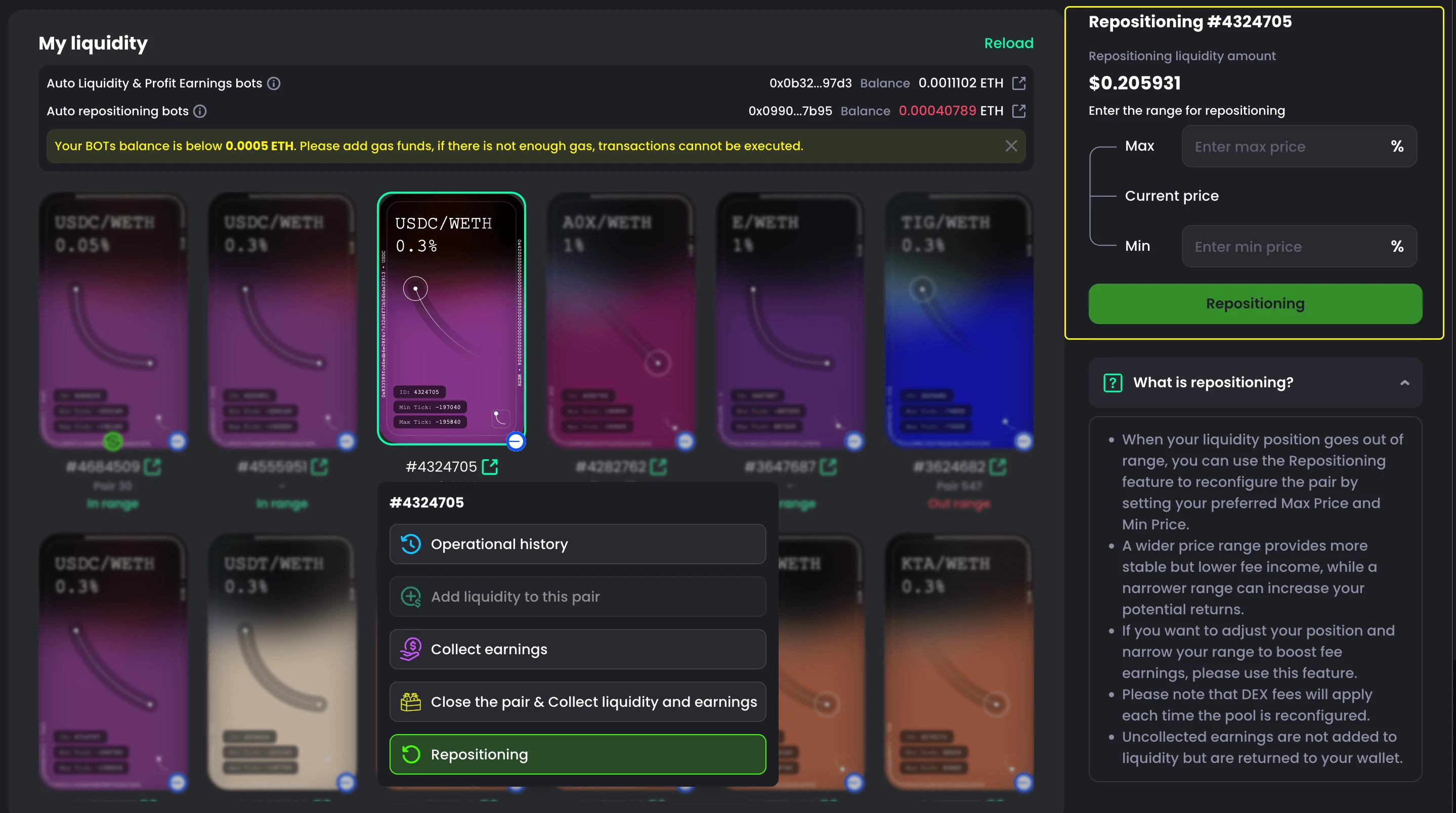
Manual Reposition
How to Manual Reposition When out of Range
If your liquidity position goes out of range, you’ll need to reposition it.
- Go to My Liquidity
- Look for Out-range Pairs
- Select Repositioning
- Set the range for repositioning
- Click Repositioning
- Confirm on Wallet

What is Reposition?
When a liquidity position moves out of its price range, this feature allows you to reset the position by setting a new maximum and minimum price range.
Setting a wider price range can provide more stable returns, but the trading fees earned may be lower.
On the other hand, setting a narrower range may generate higher fee income, but it comes with greater risk if the price moves outside the range.