

Collect Earnings
Adding liquidity to a pool means you deposit your assets into a shared pool that others can trade with.
Here’s how to Collect Earnings from your Liquidity Pairs:
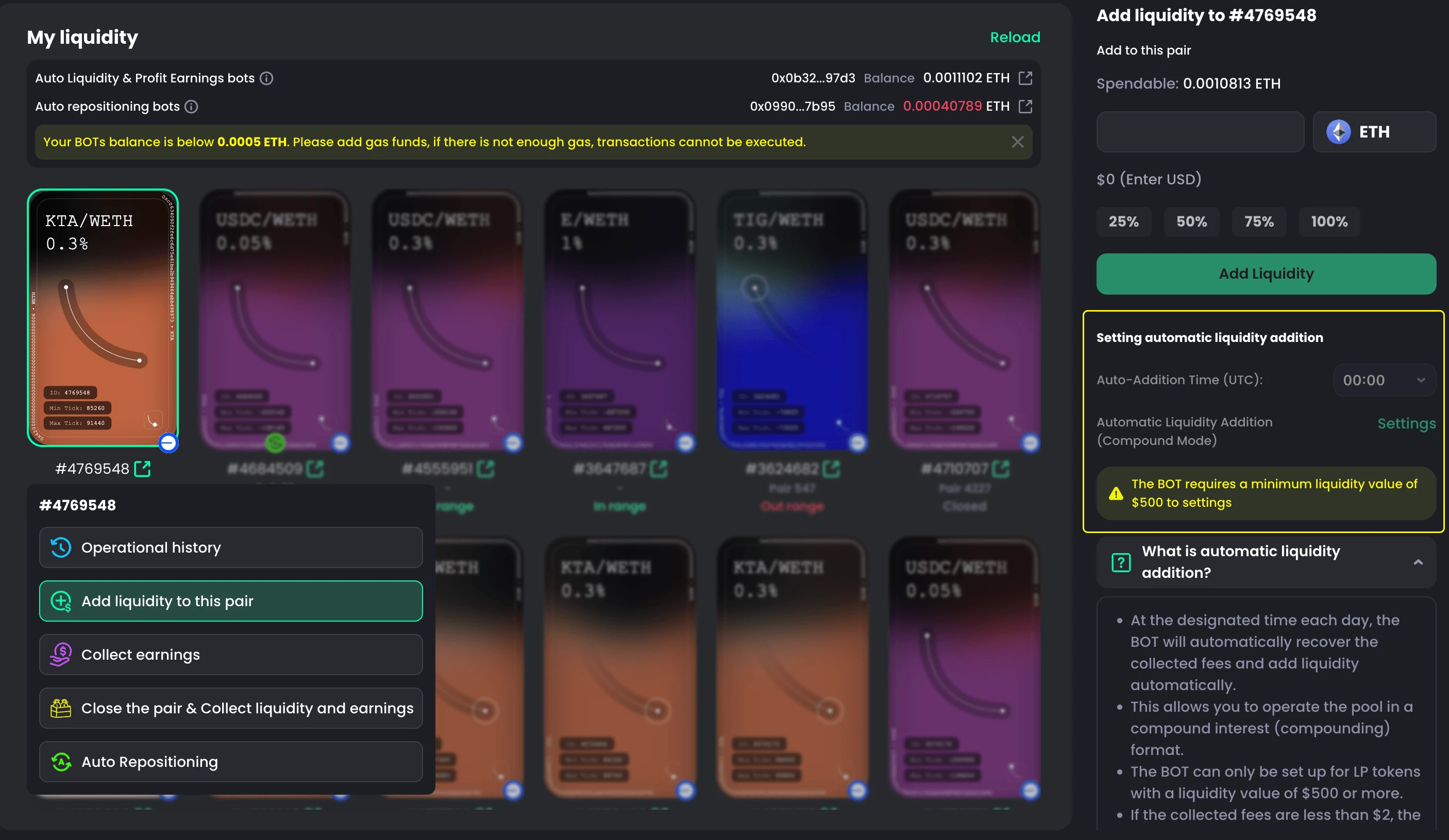
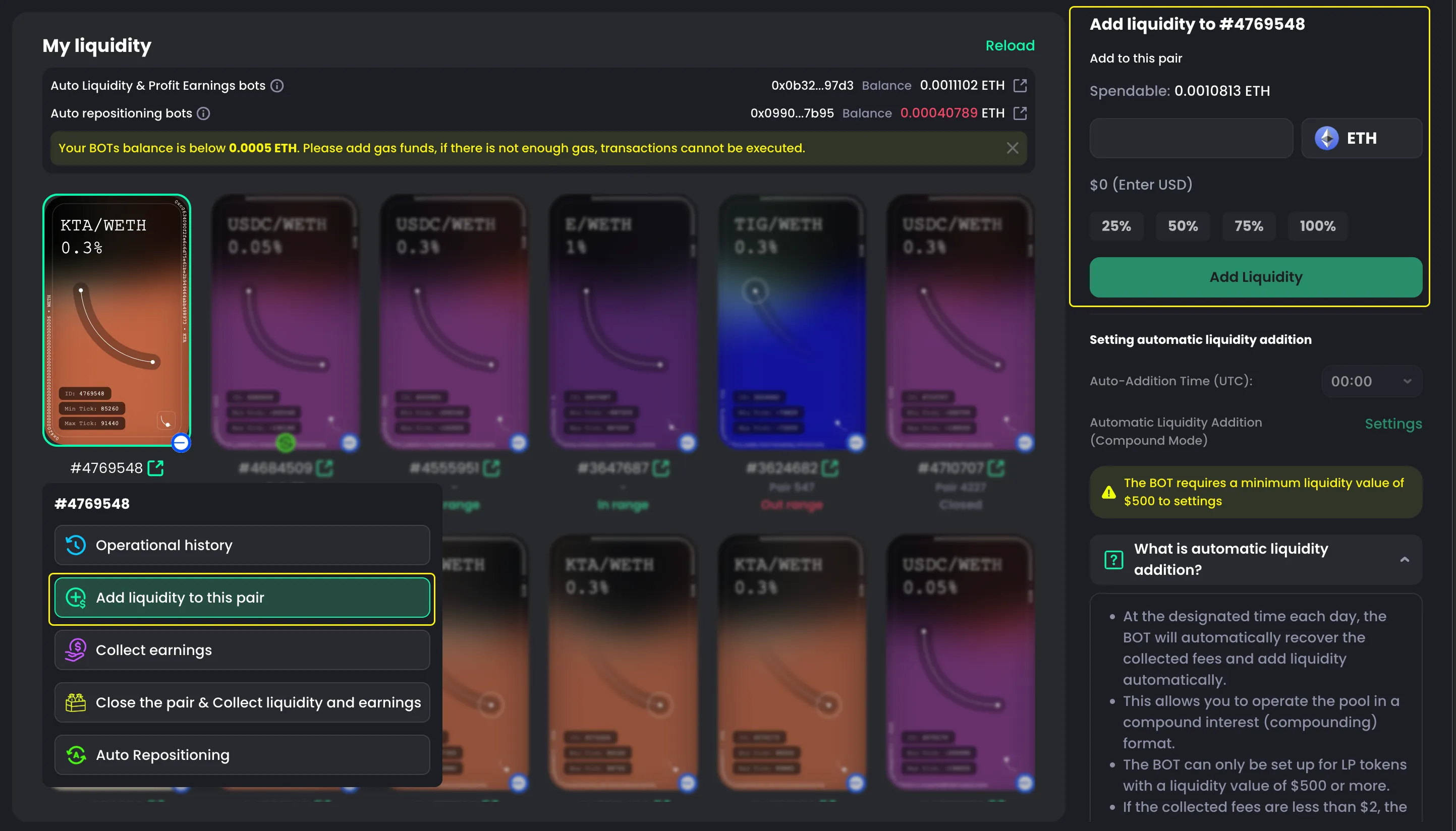
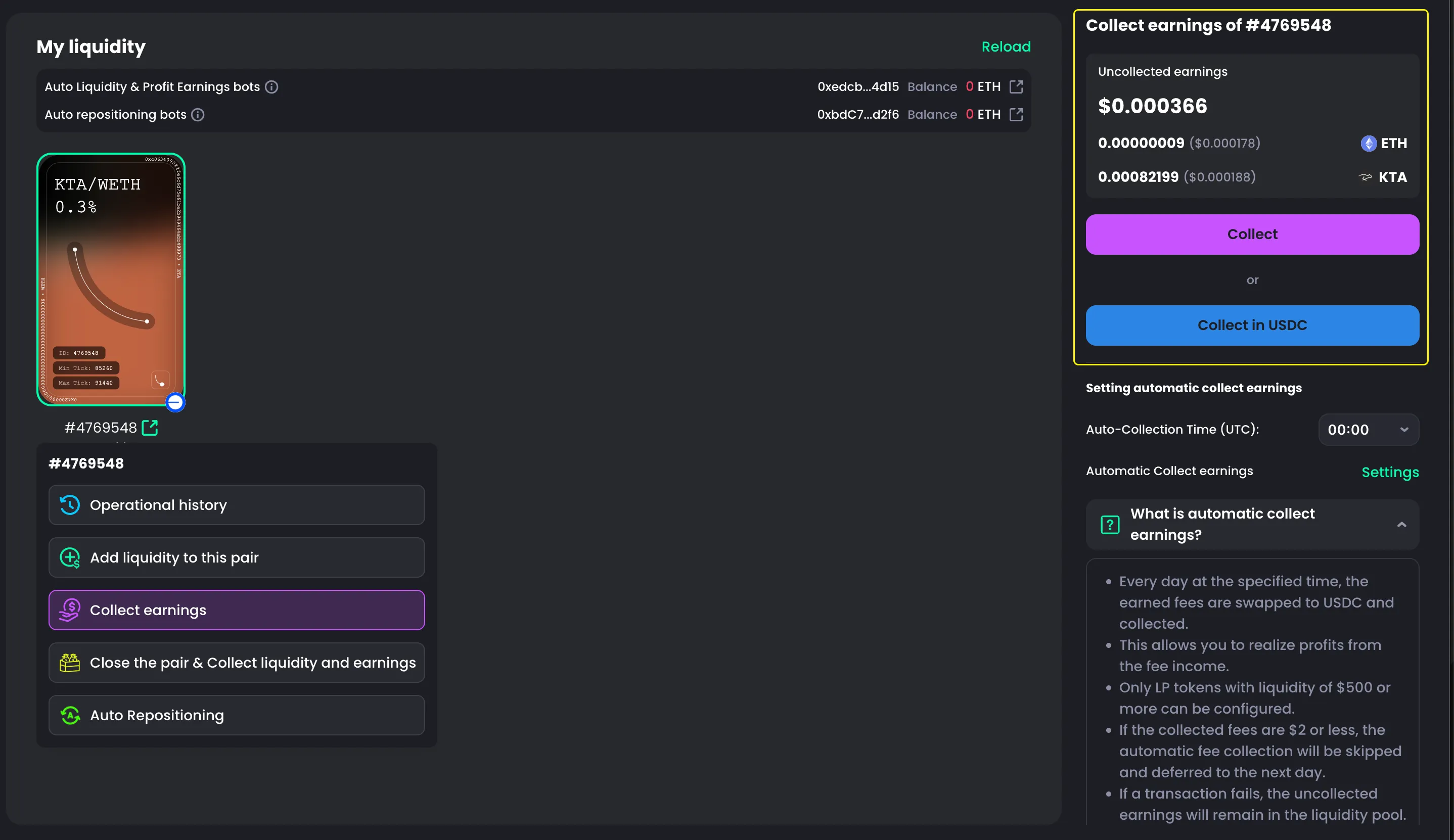
- Go to the My Liquidity tab
- Choose the pair you want to collect earnings from
- Select Collect Earnings
- The panel on the right will show the total amount you will receive
- Click Collect
- Confirm in your wallet

Note
There are 2 ways to collect earnings:
- Collect: Receive native tokens in your wallet
- Collect in USDC: CoinPool will convert your earnings to USDC automatically, and you will receive USDC in your wallet