

Add Liquidity
Add Liquidity is one of the most used features in CoinPool. CoinPool allows users to add liquidity in different ways.
Below is a simple guide to help you understand how to add liquidity.
How To Add Liquidity
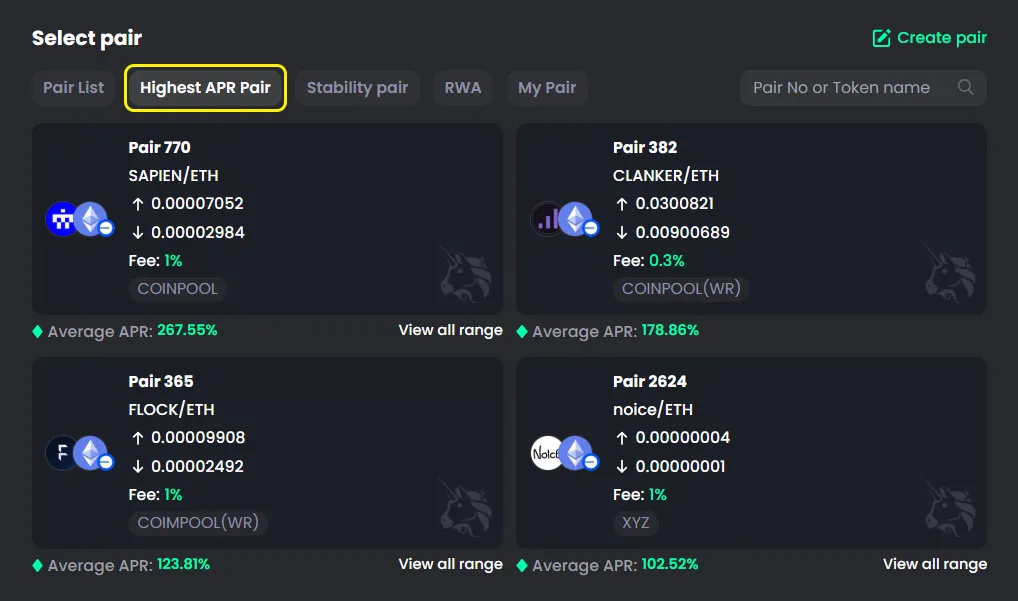
For new users, it’s best to start with high APR pools.
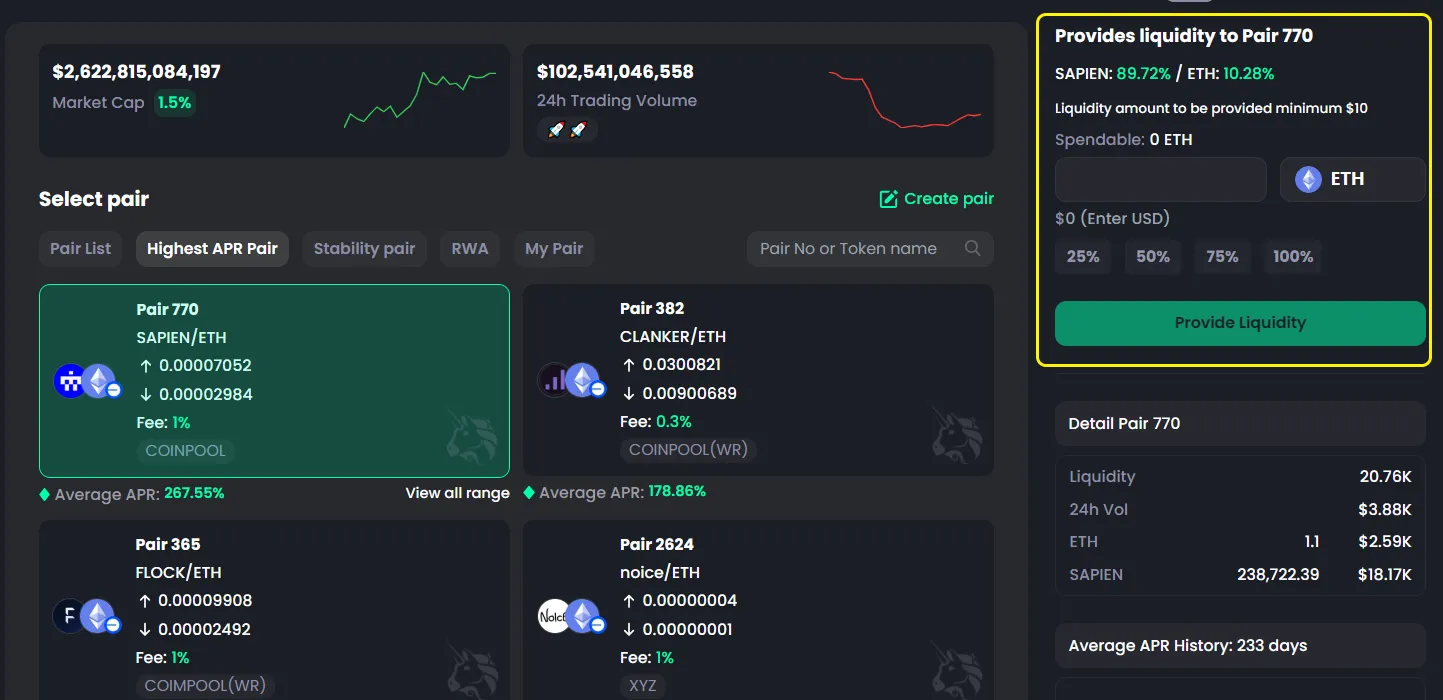
- Go to the Select Pair tab
- Open Highest APR Pair
- Choose the pair you want to add liquidity to
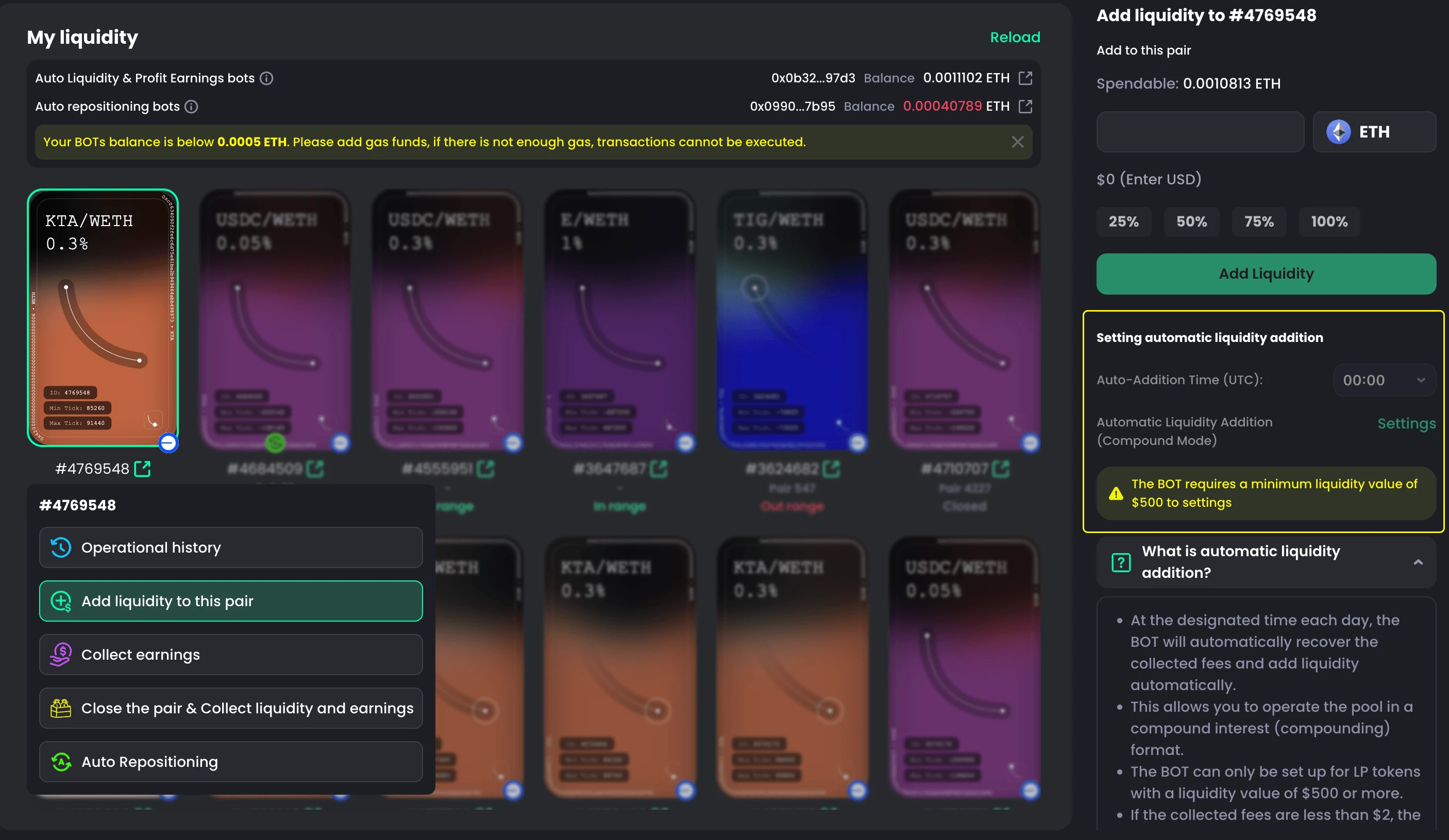
- The Add Liquidity panel will appear on the right
- Enter the amount of native token to add
- Click Provide Liquidity

Note
You can only use the native token of the selected chain to add liquidity.
Even if the pair does not include that token, CoinPool will convert it automatically.
Examples:
- Arbitrum → use ETH
- BNB Chain → use BNB
- Solana → use SOL
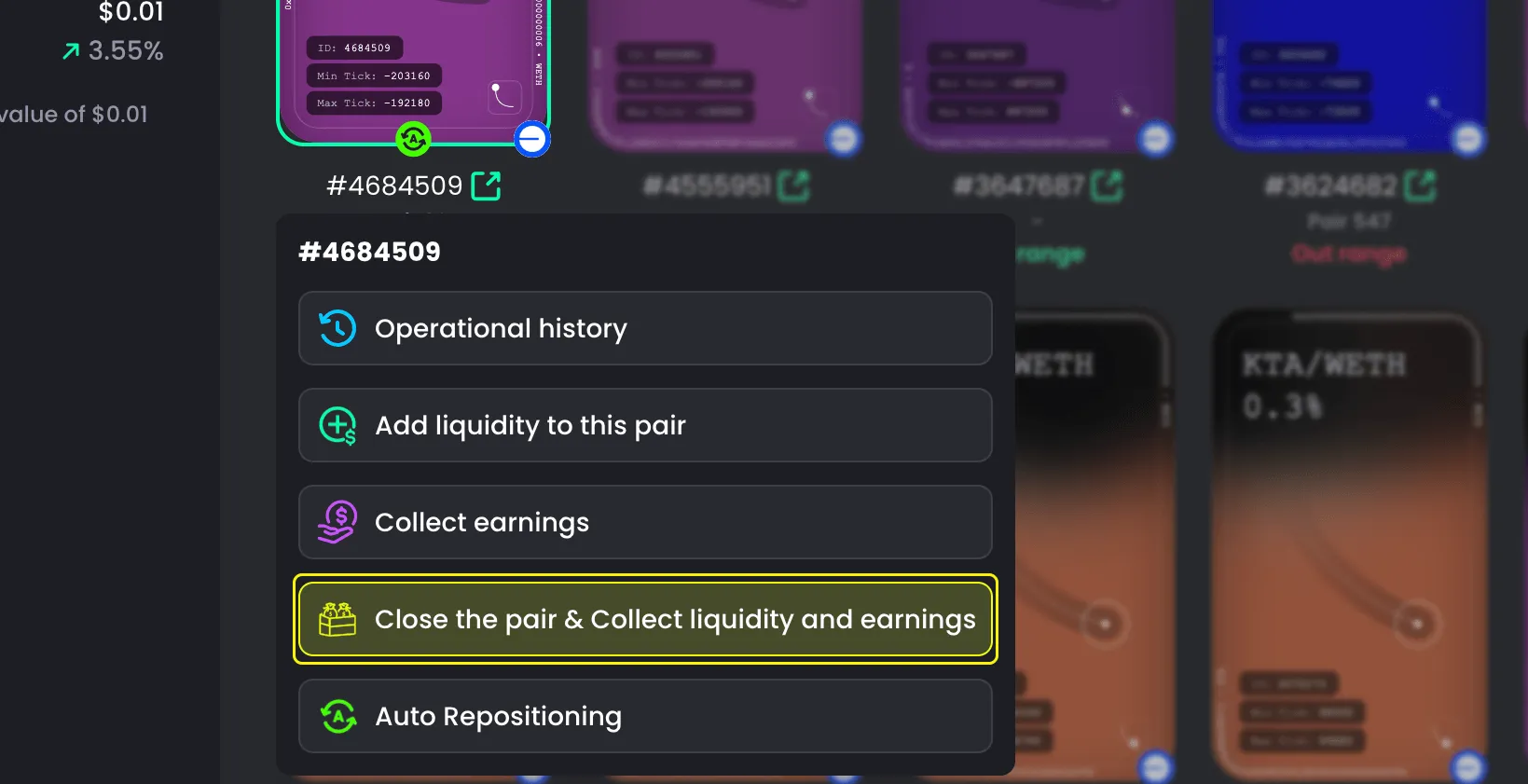
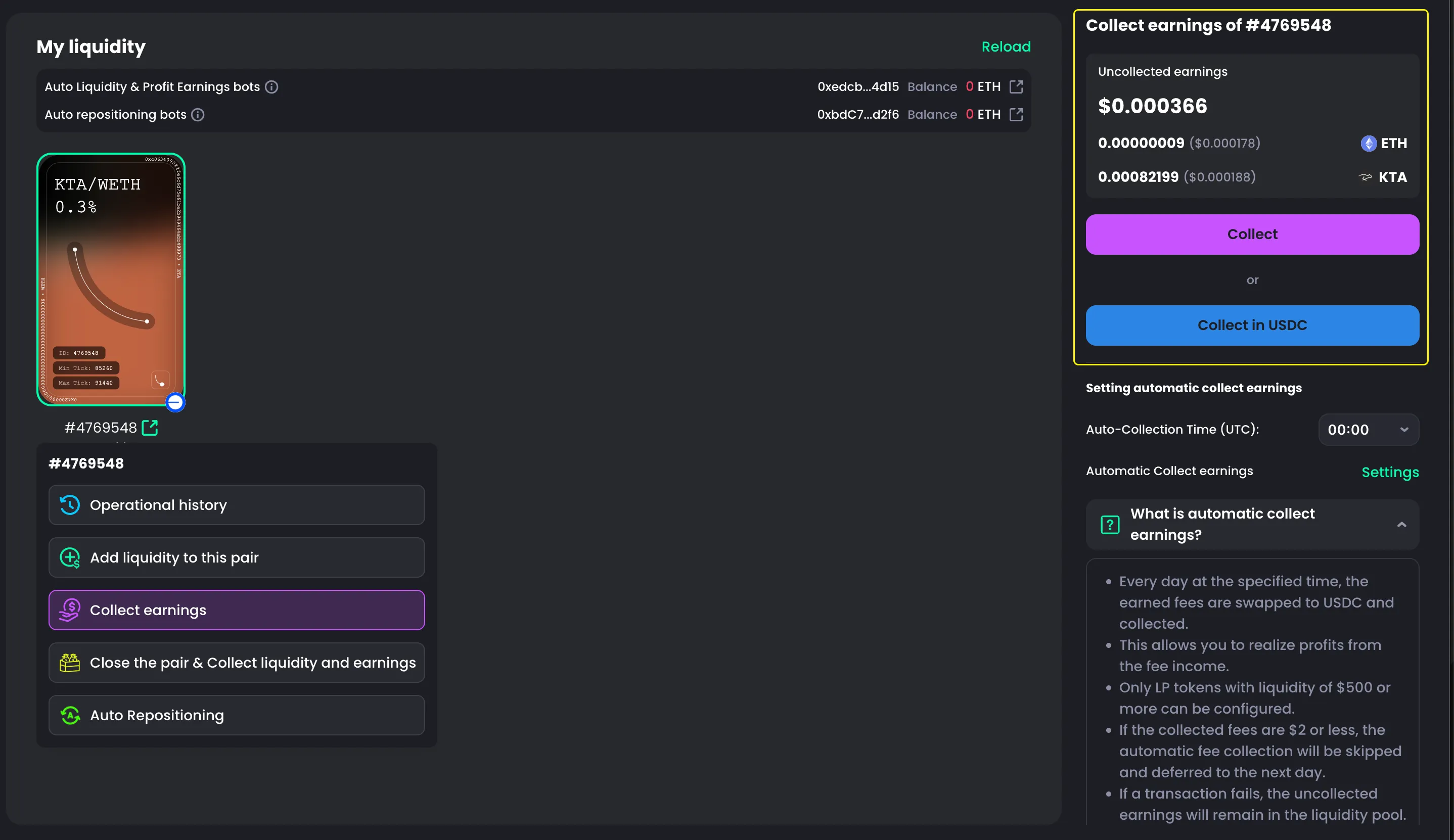
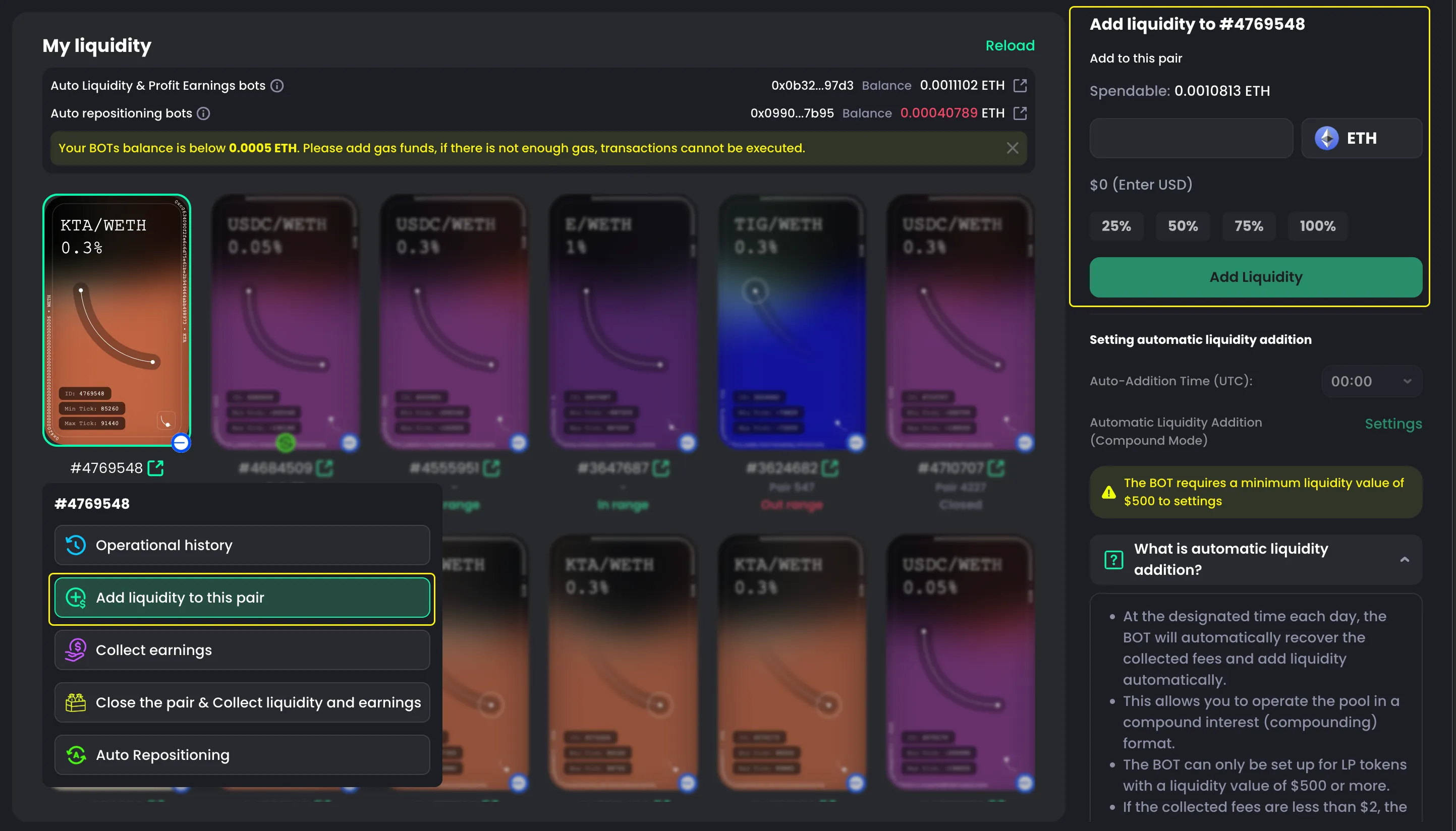
You can find the Add Liquidity interface in many places on CoinPool.
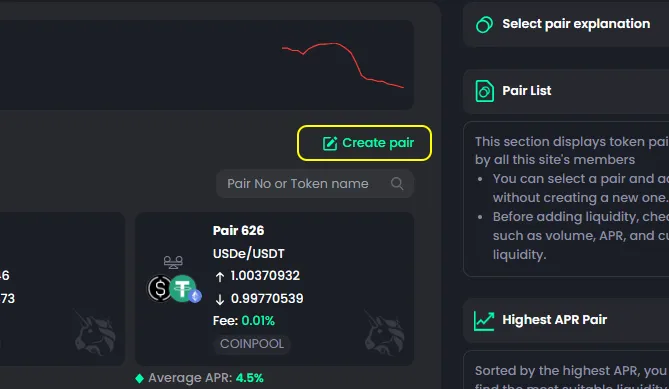
In the “Select Pair” tab, you can choose any pair to add liquidity.
There are different sections:
- Pair List: All available pairs
- Highest APR Pair: Pairs with the highest APR
- Stability Pair: Stablecoin pairs
- RWA: Real World Assets
- My Pair: Pairs created by you
If you add liquidity this way, the steps are always the same and very easy.