

How to Create Bots

How to Create Auto Liquidity & Fee Collection Bot
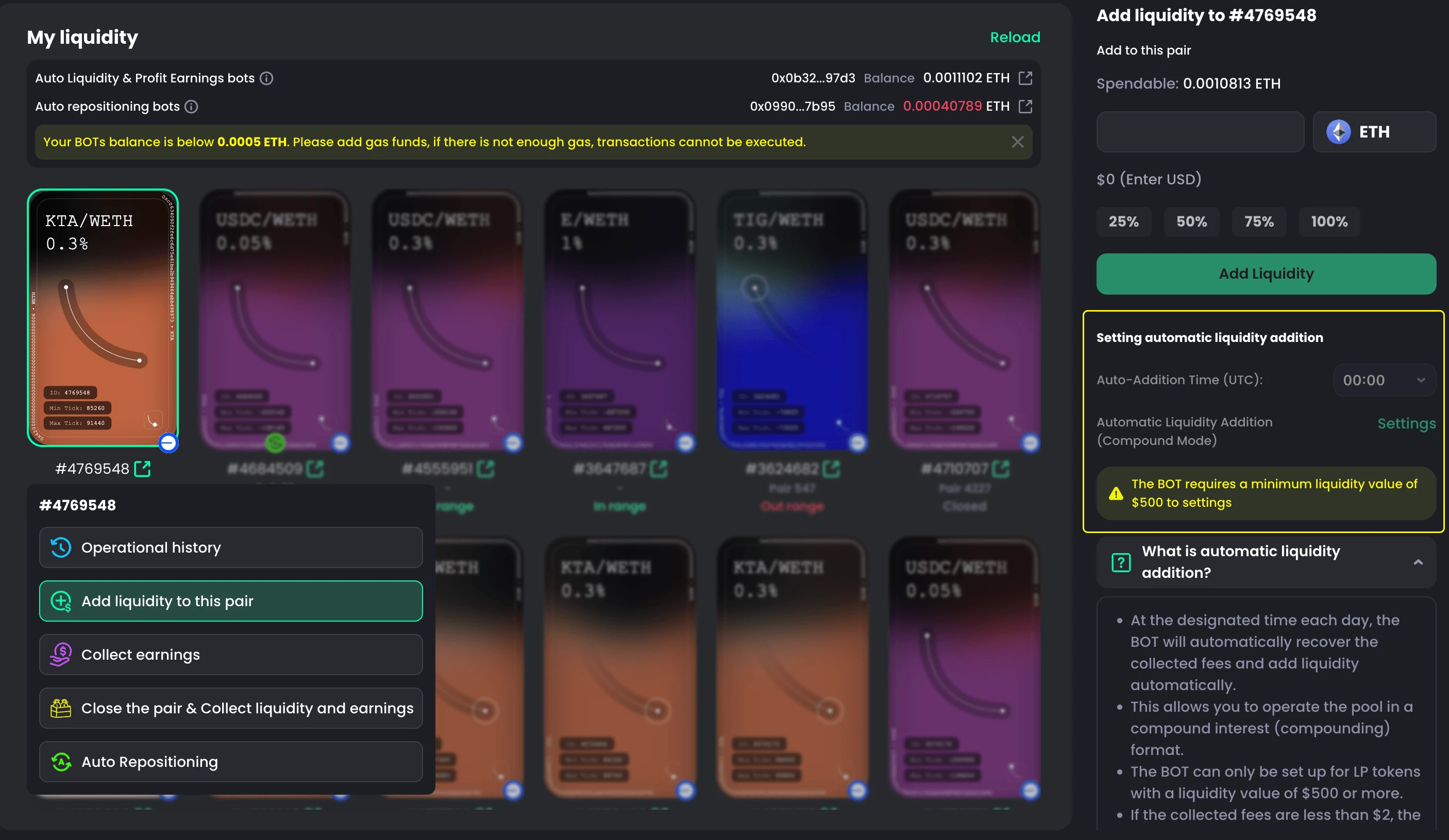
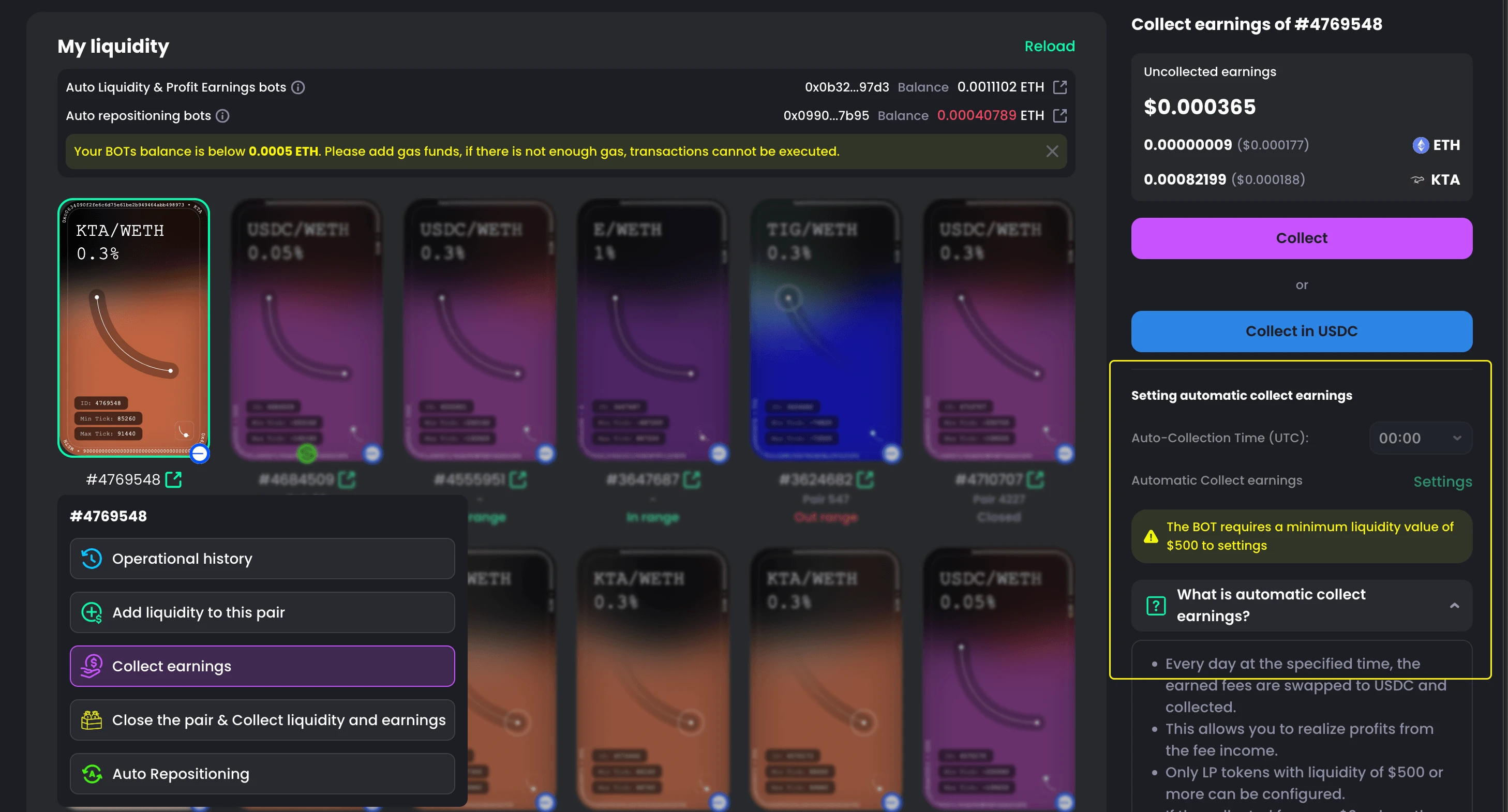
- Go to My Liquidity.
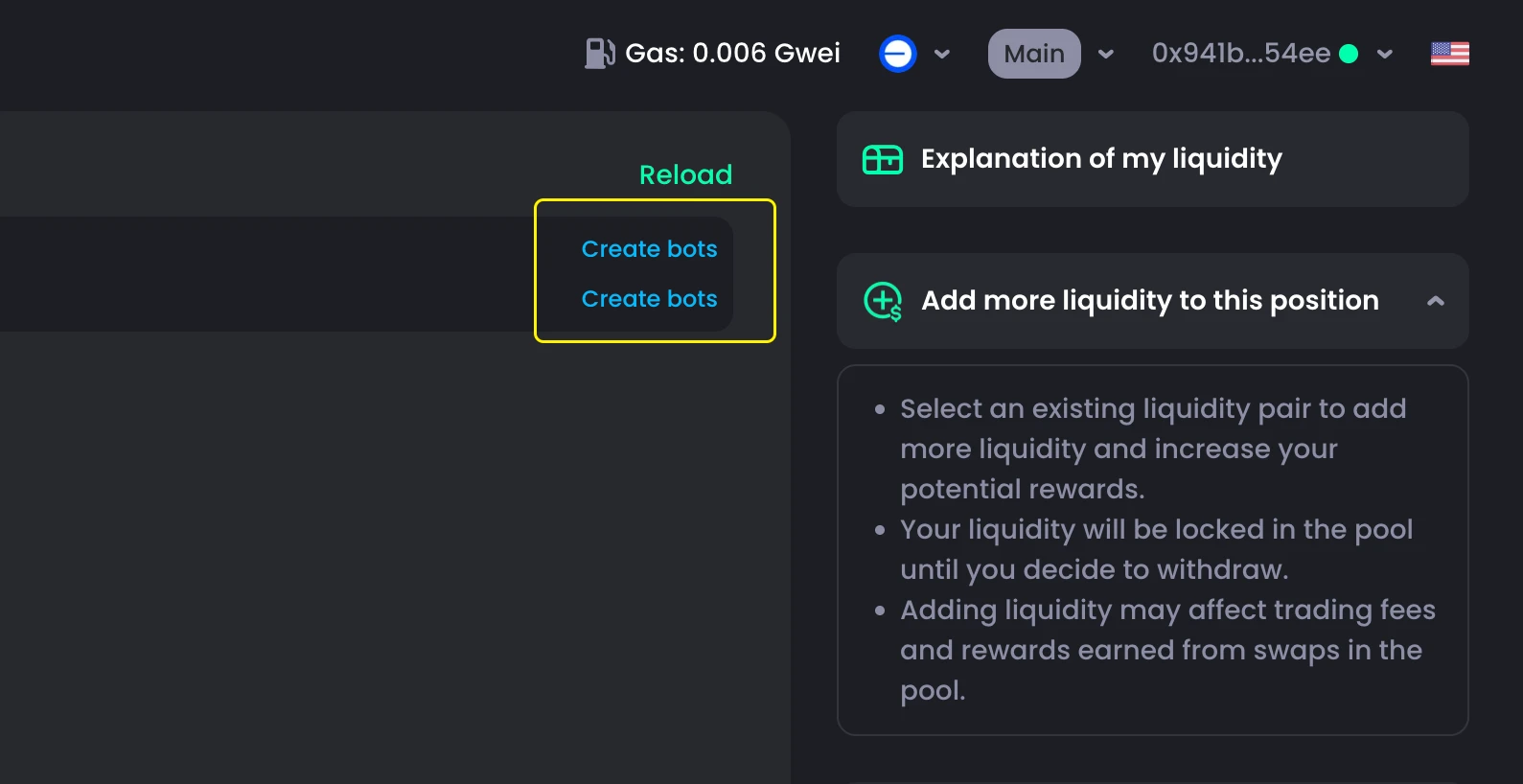
- If you haven’t created any bots yet, you’ll see bot creation options at the top of the page.
- Select Create Bots under Auto Liquidity & Fee Collection Bot.
- Click Create BOT to complete the setup.
How to Create Auto Repositioning Bot

The process is similar:
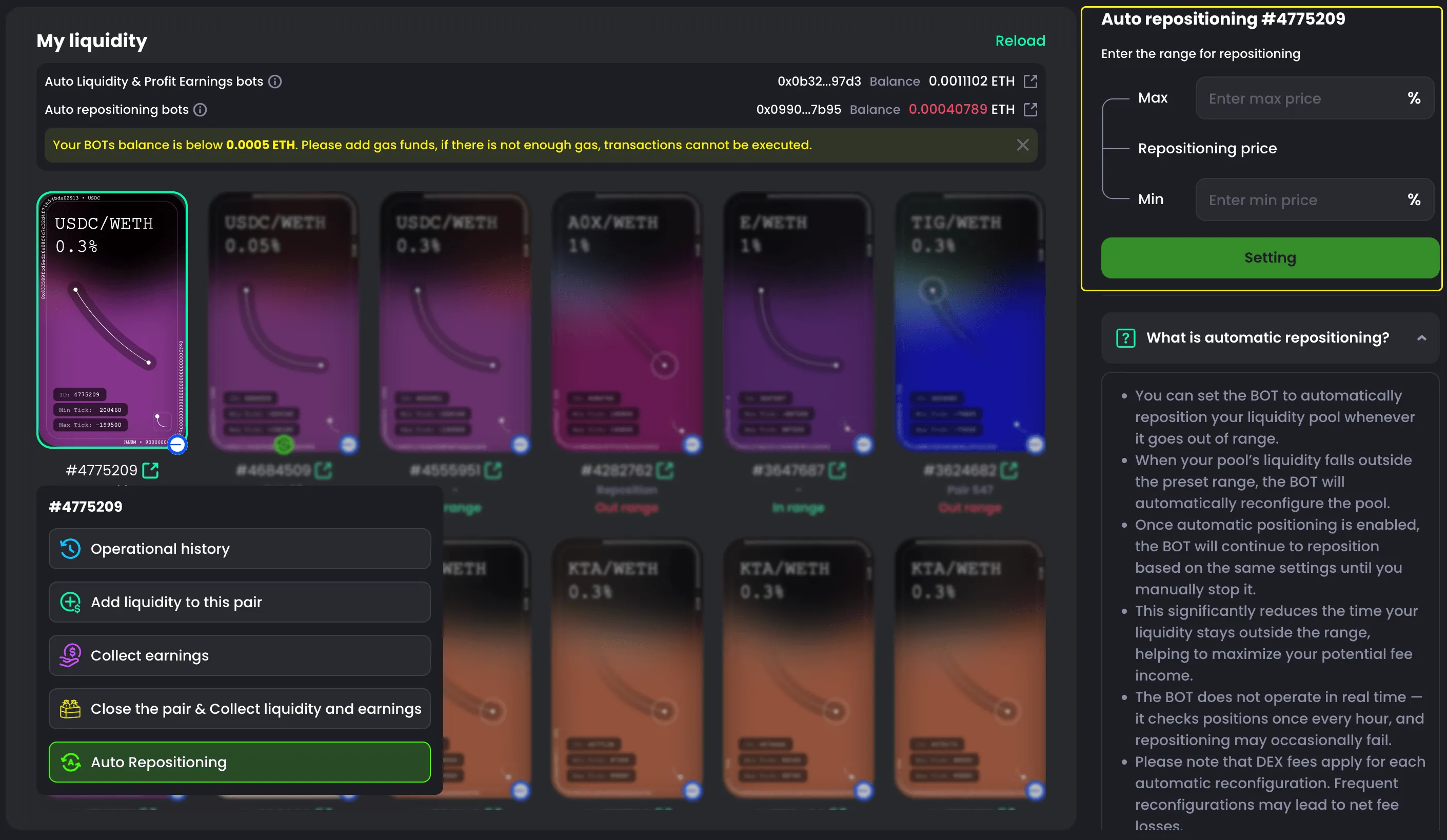
- Go to My Liquidity.
- If no bots have been created, the creation options will appear at the top of the page.
- Select Create Bots under Auto Repositioning Bot.
- Click Create BOT to finish.
Why Should You Create Bots?
You can do everything manually—but you can’t do it 24/7.
Markets move nonstop, while humans need rest. Monitoring price changes, reacting instantly, and remembering to collect fees every time is exhausting and easy to miss.
Bots solve this completely.
They run continuously, act instantly on market changes, and execute exactly as configured—no delay, no mistakes. Instead of manually chasing every opportunity, bots automate everything: repositioning liquidity, reacting to volatility, and collecting fees on time.
The result is simple—less effort, no missed actions, and consistent profit growth over time.
NOTE
After creating bots, each bot will have its own address that can receive funds. Since bots automatically perform actions on your behalf, they require gas fees to execute transactions. The fund sent to the bot is non-refundable.
We recommend keeping at least $2 in gas for each bot, or $5 for smoother and more stable operation.