

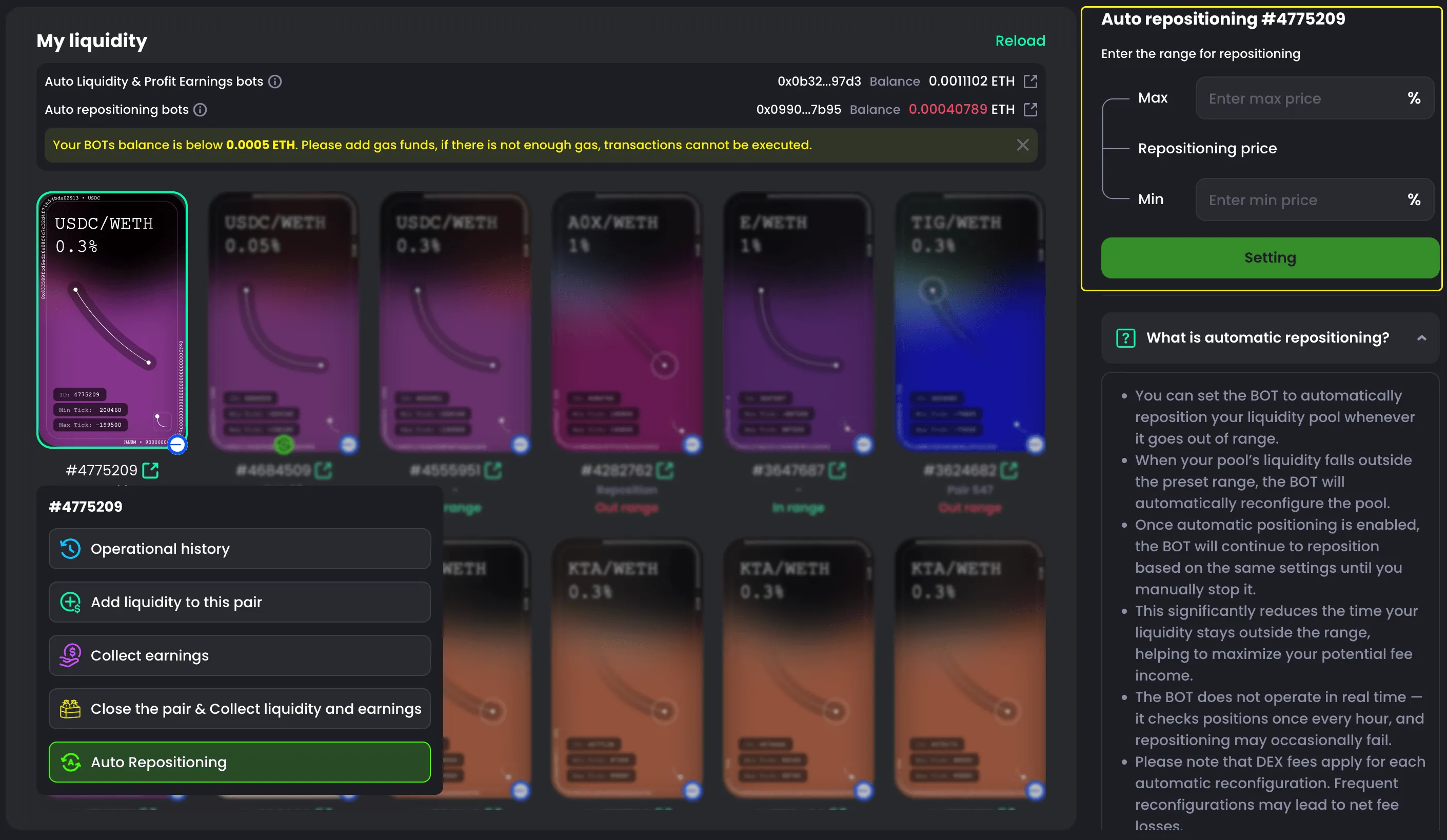
Auto Repositioning Bots
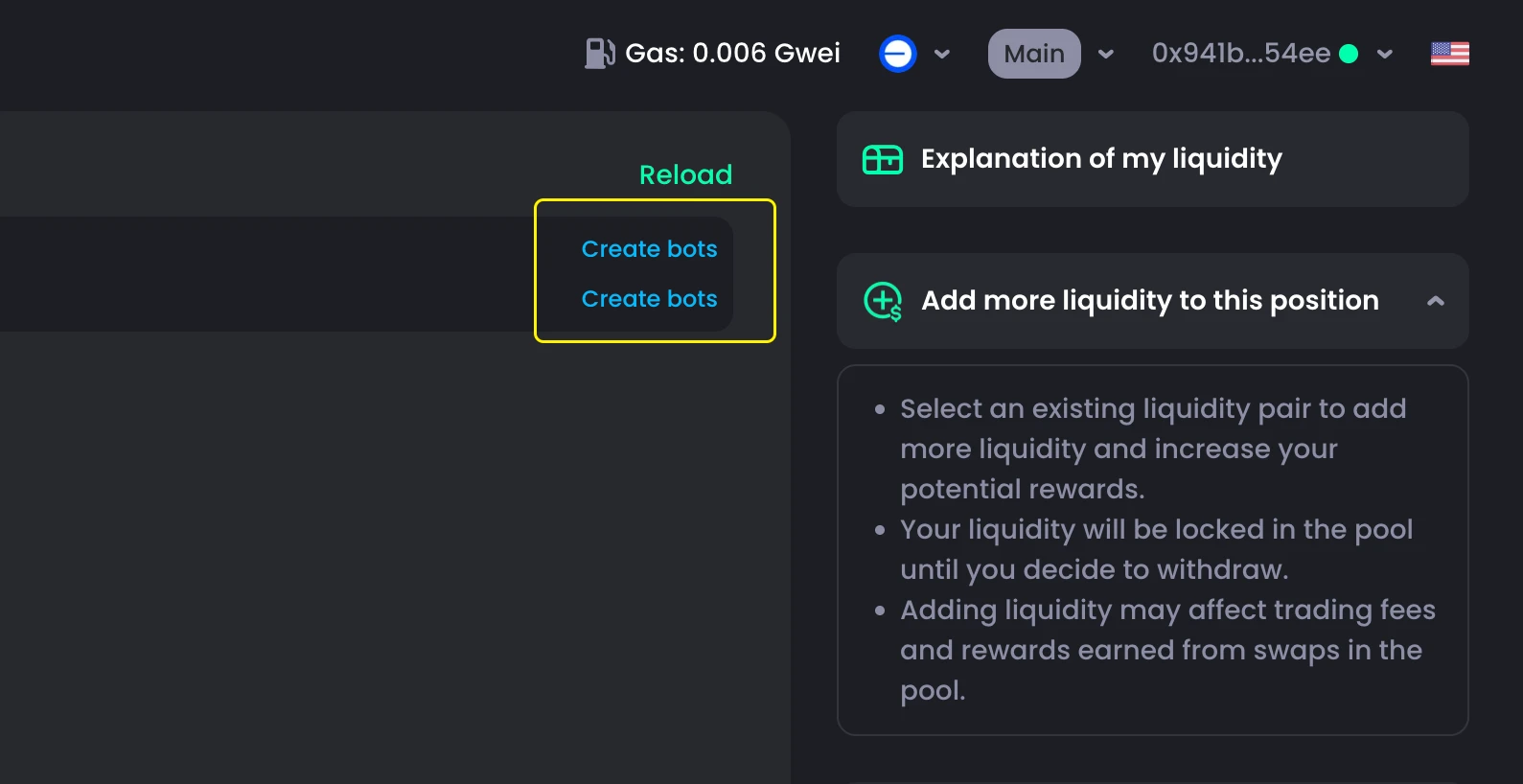
You need to create an Auto Repositioning Bot to use this feature.
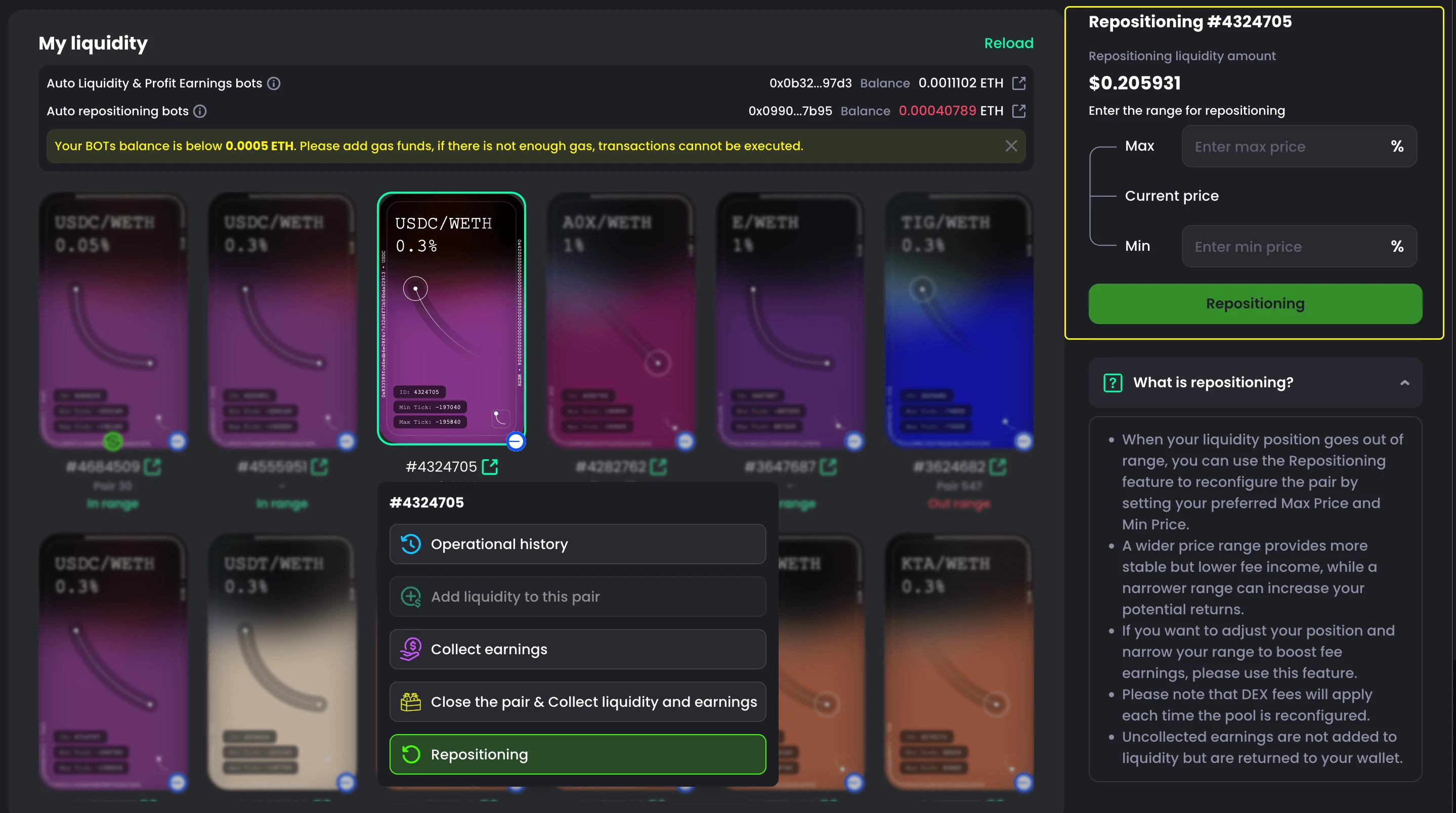
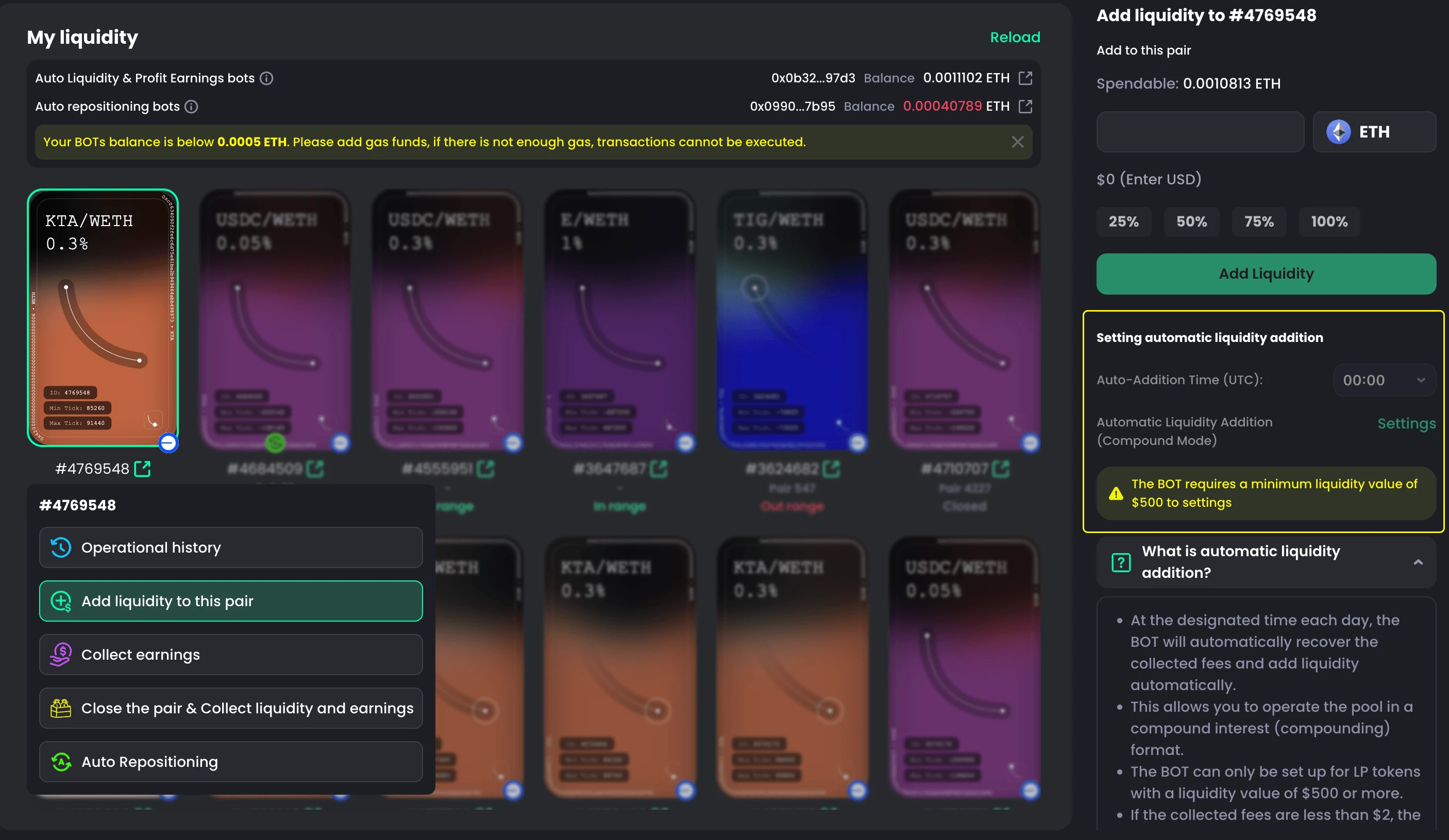
Set up Auto Reposition
When your liquidity position is still in-range and active, you can set up the bot to automatically reposition it.
This helps prevent your position from going out of range when the price changes.
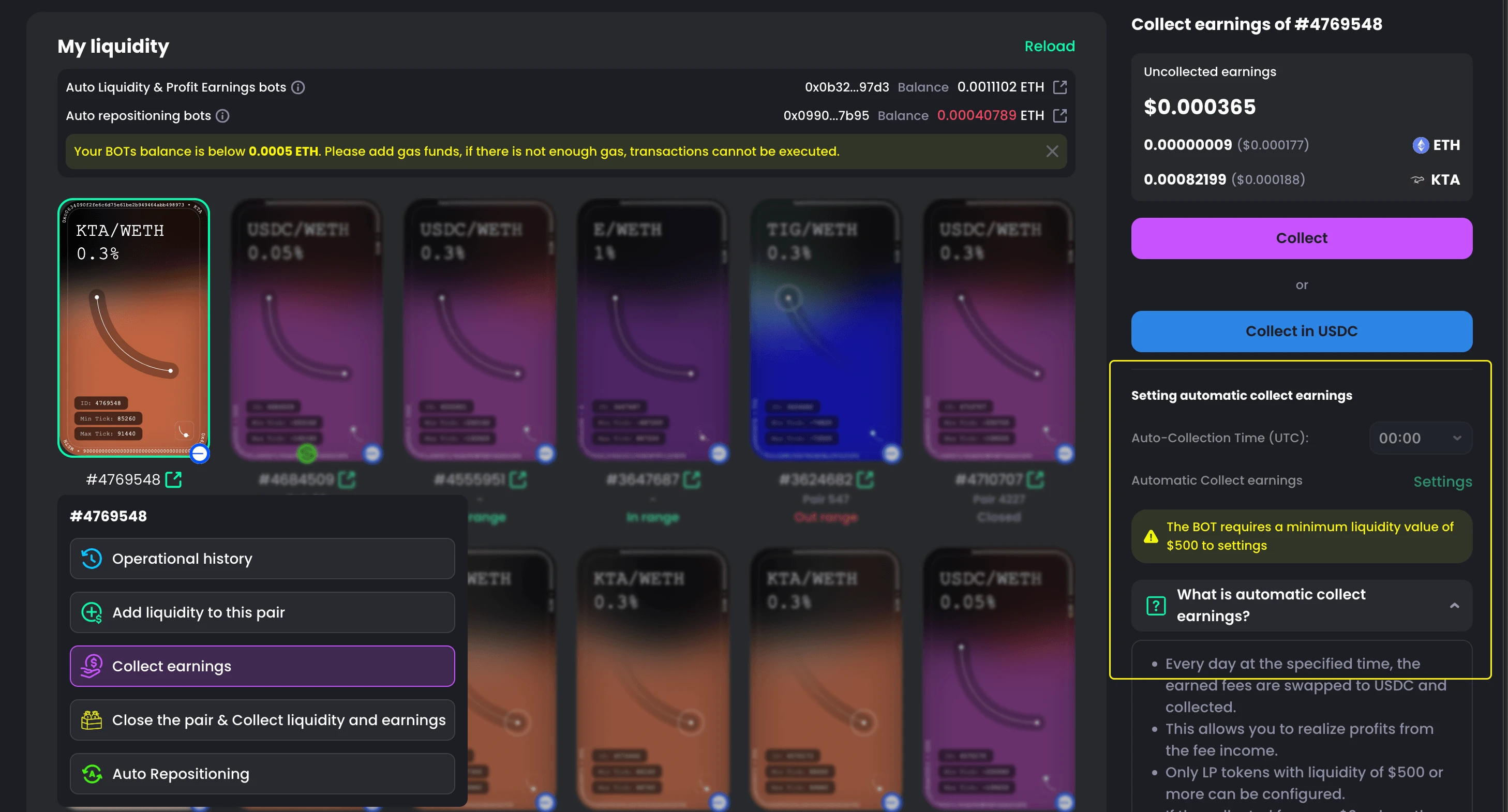
- Go to My Liquidity
- Choose a pair that is still in-range
- Open the dropdown menu and select Auto Repositioning
- Set your min and max range
- Click Setting
- Confirm in your wallet

Change Setting
You can update the min and max range anytime.
- Go to My Liquidity
- Choose the pair with the bot
- Select Auto Repositioning
- Adjust the range
- Click Change Setting
- Confirm in your wallet

Stop/Cancel Auto Reposiotion Bots
You can stop the bot anytime.
- Go to My Liquidity
- Choose the pair with the bot
- Select Auto Repositioning
- Click Stop automatic repositioning
- Click Change Setting
- Confirm in your wallet

What is Auto Reposition?
Auto Reposition automatically adjusts your liquidity range when the price moves out of your set range.
- If price goes out of range → the bot resets your position
- Keeps your liquidity active
- Reduces downtime
- Helps you earn more fees